Free ATS Resume: 10 Tools and Templates to Compare in 2026
October 17, 2026

Looking for a free ATS resume because your resume looks good visually but you’re unsure how software actually reads it? In the US and UK job markets, ATS compatibility is especially important when applying to large companies, corporate groups, or high-volume recruitments where extracting sections, dates, and keywords matters more than fancy design. An ATS doesn’t "judge" your career path; it first reads a file, and many visually clean resumes get lost at this stage.
This comparison puts side by side ten free tools and templates based on what they really offer, not just what they promise. We examine the concrete limits of free versions, text export quality, watermarks, number of resumes allowed, text or Word export options, and whether an ATS checker is included or locked. You’ll quickly see what works for online applications and what mostly serves to look nice.
Recruiters don’t all handle resumes the same way. According to France Travail, 80% of French recruiters use or plan to use an ATS by 2024, but this mixes actual use and intention. More restrictive data shows 27% of French companies currently use ATS, compared to 68% of companies with over 5,000 employees and 75% of those with more than 200 employees. This is why ATS compatibility matters more when targeting large organizations.
1. Europass
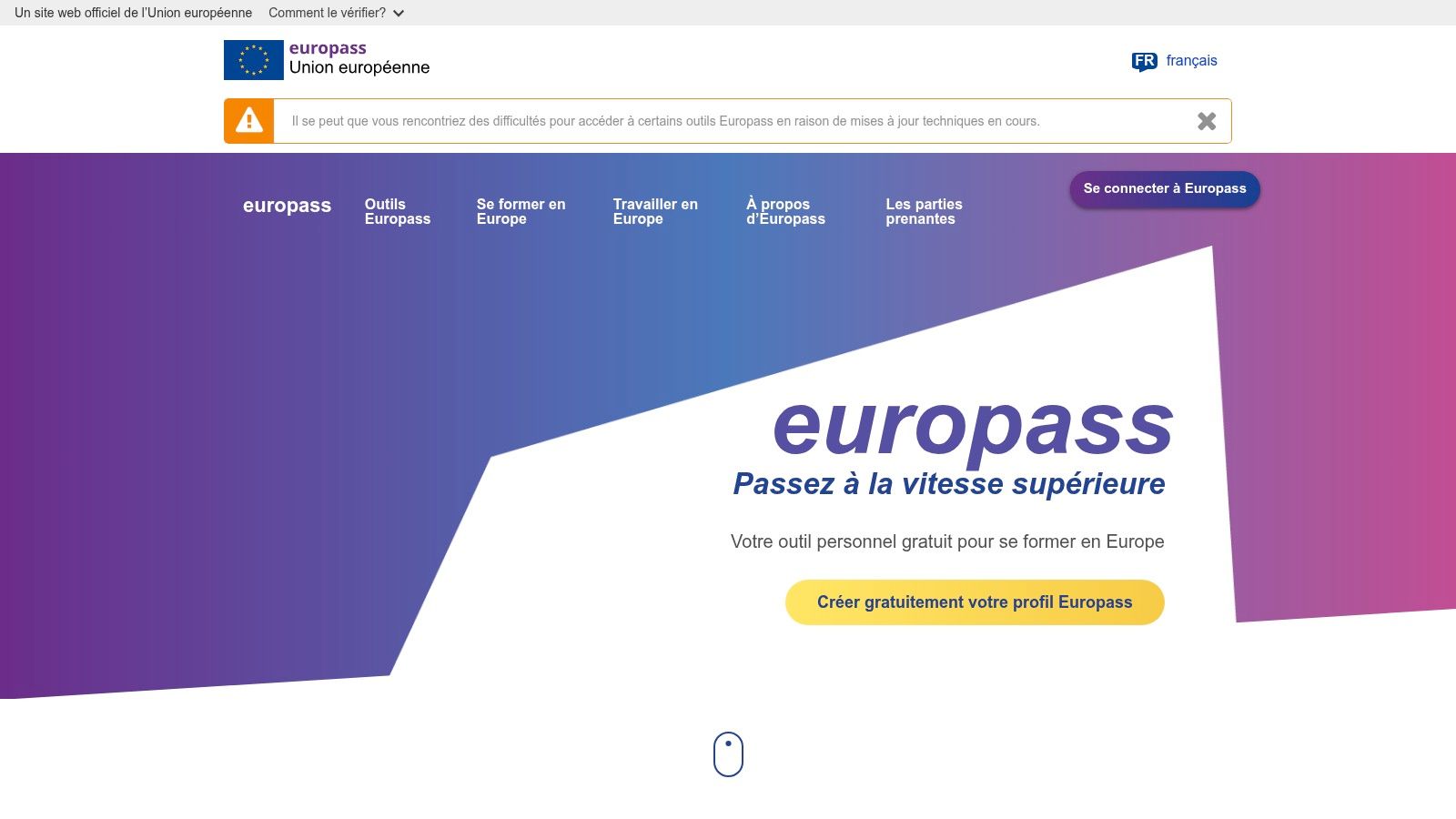
Europass remains a very solid option if you want a simple, clean, and readable free ATS resume. The platform offers a resume and cover letter editor in 31 languages, with a sober style that avoids aggressive visual effects that can confuse ATS parsing Europass. For applications in the US, UK, and internationally, it’s one of the few free tools that truly follows a standardized logic.
Strengths
The main strength is its structure. Sections remain clear, exports are textual, and sharing via link avoids juggling multiple attachments when you apply often. It’s not a complex tool; it provides a solid framework.
Practical tip: If your target job is unclear, Europass is more reassuring than a decorative template.
Weaknesses
Visual customization is limited. If you want to strongly differentiate your resume for a creative role, you may feel frustrated. Europass mainly serves to preserve readability, not to craft a sophisticated personal brand.
For candidates in English-speaking markets, it’s a coherent choice if you want a simple, multilingual, and layout-safe support. For highly targeted resumes, you may need to complement with finer keyword and job title adjustments elsewhere.
2. Reactive Resume
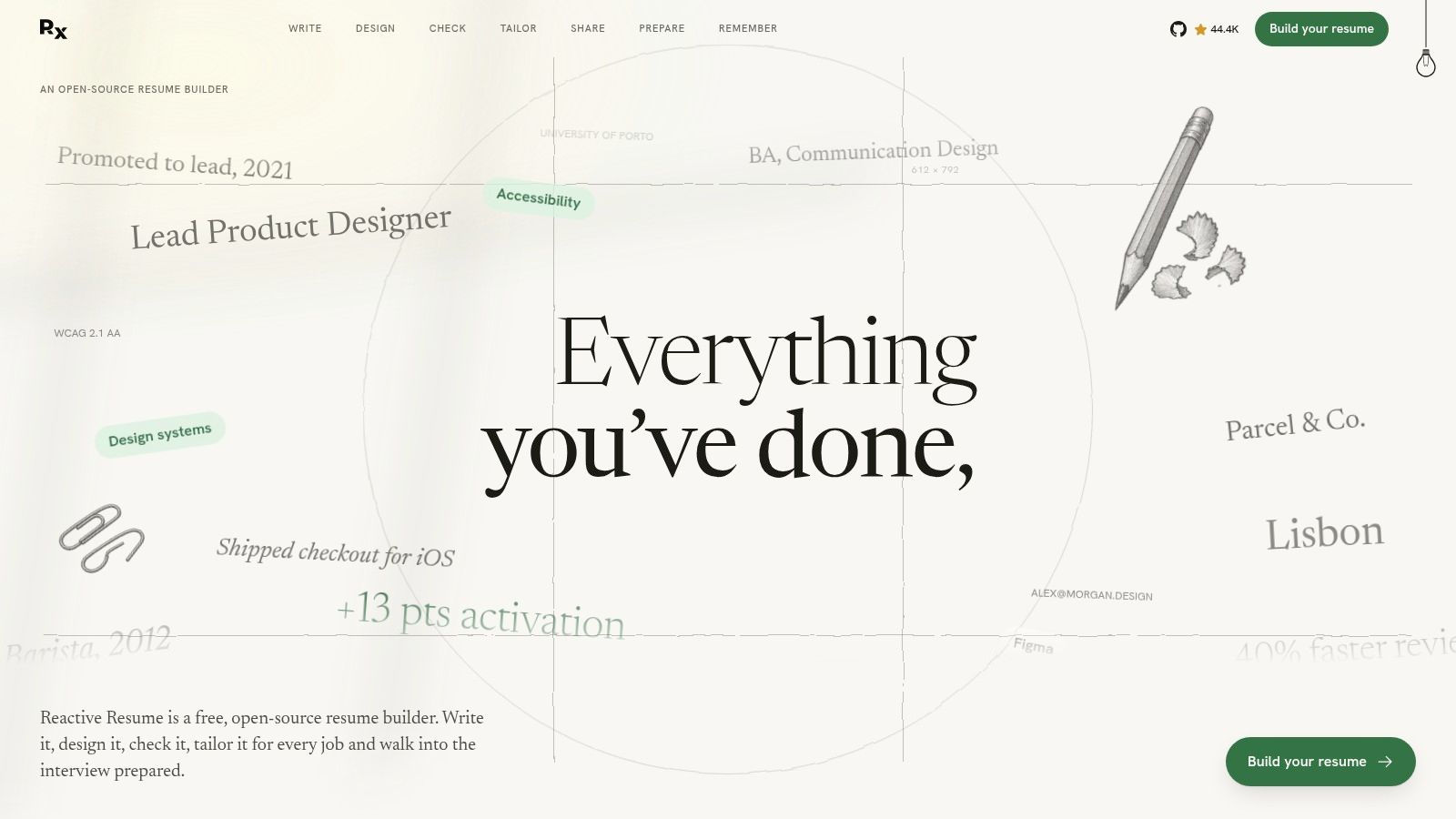
Reactive Resume targets candidates who want a free, clean, and more technical tool. The service is open source, with PDF or Word export, an integrated ATS checker, cover letters, and even a self-hosting option Reactive Resume. On paper, it’s one of the most interesting if you care about privacy.
Advantages
The real asset is the combination of creation and control. You don’t just write a resume; you can also check how it performs under ATS logic. The PDF generation on the interface helps preserve the text layer, which is useful to avoid export surprises.
Privacy is also better thought out than many free tools. This is a strong point if you don’t want to spread copies of your real resume across opaque services.
Limitations
The interface evolves quickly, which can be confusing if you want a very stable experience. French-language help is also less comfortable than local players. You gain flexibility but lose some guidance.
For users comfortable with online tools, Reactive Resume is an excellent compromise. For occasional use or highly guided needs, the ergonomics may feel a bit technical.
3. FlowCV
FlowCV is the kind of tool you adopt when you want speed without sacrificing structure. The free plan lets you create one resume and download unlimited PDFs without watermark, with sober templates and PDF exports containing text FlowCV. For a free ATS resume, it’s a very practical angle.
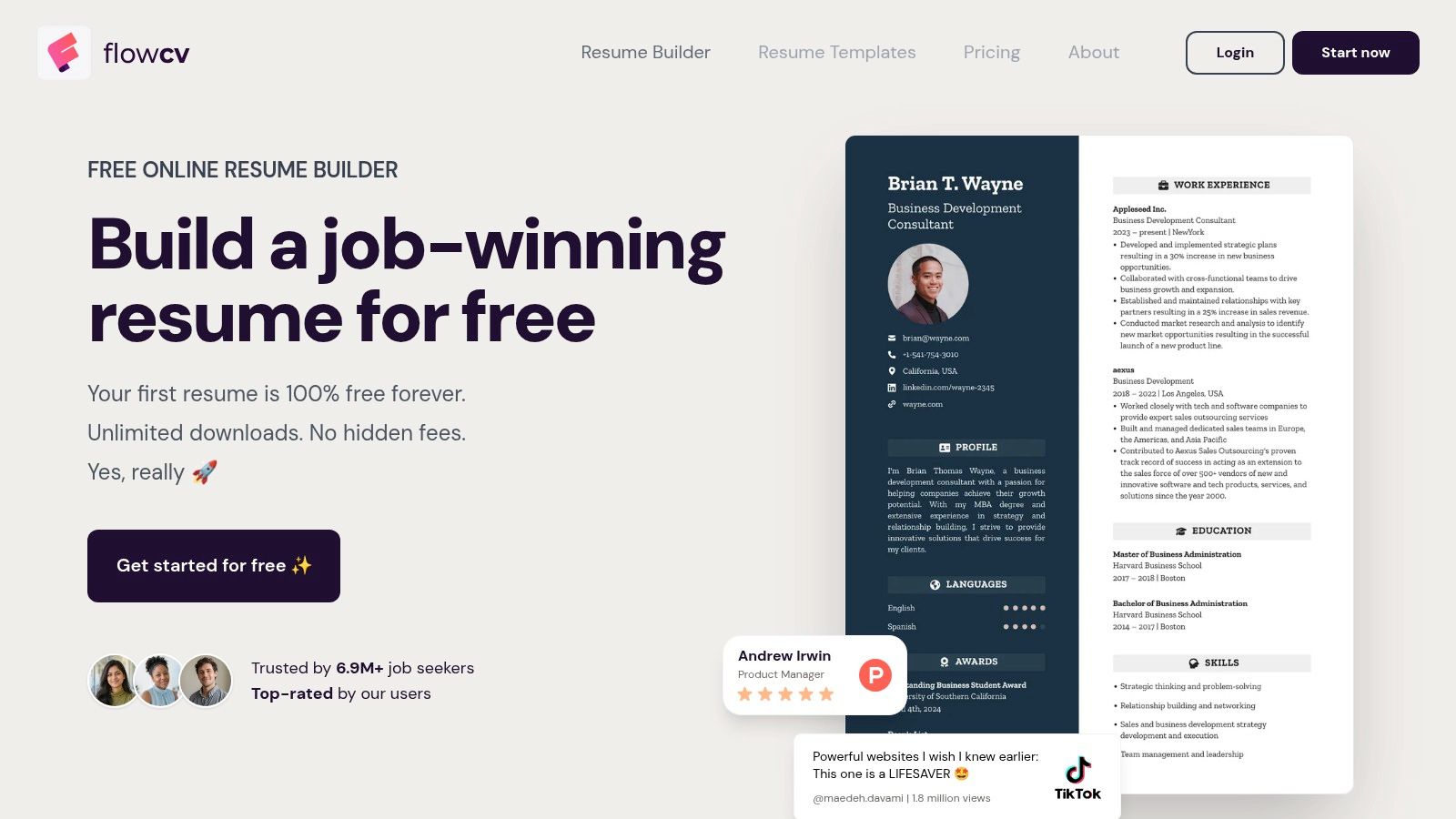
The site is interesting because it doesn’t lock you into decorative exports. You keep control over layout while staying within a sober framework for ATS. If you mostly apply online and only need one main version, it’s more than enough.
Good practice: Always check that your PDF is text-based. A pretty PDF that’s just an image is still a trap.
The real drawback is the limit to one resume in the free version. If you juggle multiple careers, countries, or job types, you’ll quickly hit the free boundary. There are also fewer native AI tools than some competitors focused on automation.
If you want to test a clean resume without fighting design, FlowCV does the job. If you need multiple variants, it quickly feels tight.
You can also compare it with a more systematic test using the Jobshift ATS checker, useful when you want to see what the software really reads before sending.
4. CVDesignR
CVDesignR is a French option that immediately appeals to candidates wanting a local tool and a French interface. The visual editor is free, PDF download is available in the basic offer, and ATS readability analysis comes in Premium CVDesignR. It’s a good starting point for a simple resume, provided you don’t expect too much from the free version.
Strengths
The interface is intuitive. You can build a clean resume without getting lost in an Anglo-Saxon interface, and the free base is enough to produce a readable document. For students or recent grads, it’s already very usable.
A positive point is also the clarity of limits. You quickly know what’s free and what switches to Premium.
Cautions
The ATS checker and AI features are reserved for paid plans. In other words, you can create a decent resume but not check it with the most useful tools. If you pick a too-graphic template, you risk complicating ATS reading.
CVDesignR works well if you want a simple French base. It’s less effective if you want native ATS diagnostics without paying.
5. DoYouBuzz
DoYouBuzz holds a special place because it speaks the language of the French market. The free plan gives access to two templates and one resume, with PDF export and online sharing via a personalized URL DoYouBuzz. If you want a well-known tool in France, it’s a credible option.
Why It Remains Useful
The big advantage is simple access. You can create a resume quickly, publish it online, then share it without fighting technical issues. For many job seekers in English-speaking markets, this simplicity counts as much as design finesse.
The interface and support in French also remove some usual frictions. You don’t need to translate the tool before working on content.
Free Version Limitations
The free plan remains narrow. Two templates, one resume, little layout flexibility — enough for a basic version but not for multiple variants. Word export is reserved for paid plans.
DoYouBuzz suits simple, direct applications. Once you want to adapt multiple versions per job, you quickly hit limits.
6. Novorésumé
Novorésumé appeals to those who want a clean look without graphic overload. The free Basic plan lets you create a one-page resume and only one version, with minimalist templates advertised as ATS-compatible Novorésumé. The site also highlights free tools, including an ATS checker.
What Works
The templates are sober. This is exactly what you want to avoid parsing errors. The one-page logic can also help students and recent grads focus on essentials without overloading the document.
Keeping only one version in the free plan encourages discipline. You don’t create endless variants; you build a clear, compact document.
What Holds Back
The free version is short by nature. One page, one version, and export mainly to PDF leaves little room if you often change jobs. DOCX export isn’t offered in the same plan.
Novorésumé is neat and tidy but not very flexible. It’s a good choice for a targeted, short application, less so for large-scale sending strategies.
7. Teal Resume Builder
Teal Resume Builder is more than a simple editor; it’s a small job search environment. The free plan lets you create and download ATS-compatible resumes, with ten templates included and an application tracking tool Teal. For candidates wanting to organize their applications, the package is quite convincing.
What Sets It Apart
Teal is interesting because it goes beyond the resume. You can manage multiple versions, track jobs, and tailor your application in one ecosystem. When applying repeatedly, this kind of centralization saves time.
If you send many applications, the benefit isn’t just a nice resume but keeping a clean logic between job, document version, and tracking.
Where to Be Careful
The interface and support are mainly in English. Advanced features and unlimited options require Teal+, so the free version remains useful but incomplete. If you want only a simple French tool, it’s not the most natural.
Teal suits profiles managing their search like a pipeline. For occasional use, it may be more tool than necessary.
For more, you can combine it with the Jobshift guide on passing ATS filters, especially if you often adapt keywords per offer.
8. Indeed Resume Builder
Indeed has the advantage of raw simplicity. You can create or import a resume for free from your account, then use it directly to apply on the Indeed platform. Privacy settings let you make the resume public or private, handy if you want control.
Strengths
The most useful aspect is integration with the application process. You write, import, and apply. For a rushed candidate, it reduces friction.
Privacy settings also prevent publishing your resume without thinking. This is important if you’re still employed.
Weaknesses
Layout control remains limited compared to dedicated editors. Export and customization are basic, so you have less room to fine-tune the document. It’s fine for starting out, less so for building a highly targeted resume.
Indeed suits those applying quickly in a closed environment. If you want more control over appearance, it’s not the most flexible tool.
9. Google Docs Resume Templates
Google Docs remains an underrated classic for a free ATS resume. Resume templates are easy to duplicate, edit, and export in PDF or DOCX, and the sober structure often helps preserve text readability Google Docs. For candidates wanting something simple and cost-free, it’s very effective.
Why It Often Works
The big advantage is neutrality. You start with a clean document, no frills, and keep full control over content. For ATS, this is often better than an overly styled template.
Collaborative editing is also useful if you have your resume reviewed by a mentor, professor, or friend. Feedback is quick without juggling multiple files.
What Not to Expect
There’s no native ATS analysis. There are also no integrated AI tools to tailor content per job. You must do the proofreading, rewriting, and testing yourself.
Google Docs is a solid base, not a job application assistant. If you like to keep control and avoid dependencies, it’s a great starting point.
10. Hloom
Hloom is a library of free downloadable and editable templates, mostly in Word, sometimes Google Docs Hloom. Templates are advertised as ATS-compatible and the site also provides structuring advice. For those who prefer to start from a ready-to-edit file, it’s a simple resource.
Why It Appeals
The selection is wide and downloads are direct. You’re not locked into proprietary tools, which can be handy if you want to work locally. It’s also useful if you like adapting an existing document rather than rebuilding from scratch.
A good free template mainly helps you avoid structural traps. The rest depends on your content.
Limitations to Keep in Mind
The site is in English, so you may need to filter faster. As always with graphic templates, it’s better to choose the most text-based versions. Overly decorative options can hinder ATS, even if the file looks nice on screen.
Hloom is interesting for variety. It’s less so if you want a guided experience in English.
Comparison of the 10 Best Free ATS-Compatible Resume Builders
| Tool | Key Features | ATS & Applications | Price / Value | Target Audience | Distinctive Advantage |
|---|---|---|---|---|---|
| Europass | Resumes & letters in 31 languages | Sober templates, link sharing | 💰 Free, unlimited exports | 👥 Candidates in Europe & internationally | 🏆 EU-recognized format |
| Reactive Resume | Resumes, letters & job tracking | ATS checker, PDF/Word exports | 💰 Free, no watermark | 👥 Privacy-conscious candidates | ✨ Open source & self-hostable |
| FlowCV | Intuitive editor, adjustable layout | Text-based PDFs suitable for ATS | 💰 Free for one resume, unlimited downloads | 👥 Candidates seeking simple resumes | ✨ All templates free |
| CVDesignR | Visual editor & sober templates | ATS & AI analysis in Premium | 💰 Free creation & basic PDFs | 👥 French-speaking candidates | ✨ AI-based job adaptation in Premium |
| DoYouBuzz | PDF/web resumes, personalized URL | Limited application features | 💰 Free with two templates; paid options | 👥 Candidates in France | ✨ French interface & support |
| Novorésumé | Minimalist templates, ATS checker | One-page free resume, mainly PDF export | 💰 Free Basic; paid Premium | 👥 Candidates preferring sober resumes | 🏆 Templates designed for parsing |
| Teal Resume Builder | Resume & application tracking | ATS templates & job-tailored versions | 💰 Free plan; advanced with Teal+ | 👥 Candidates organizing job search | ✨ Integrated job search tools |
| Indeed Resume Builder | Create or import from profile | Resume usable directly on Indeed | 💰 Free | 👥 Candidates applying on Indeed | ✨ Resume attached to Indeed applications |
| Google Docs Resume Templates | Editable templates, collaboration & history | PDF or DOCX export; no ATS analysis | 💰 Free with Google account | 👥 Candidates wanting to customize resumes | ✨ Easy collaborative editing |
| Hloom | Downloadable templates & writing tips | Sober templates advertised as ATS compatible | 💰 Free templates | 👥 Candidates comfortable with English resources | ✨ Editable DOCX & PDF files |
| Jobshift | Discovery via scanning & AI personalization | Resumes, letters & tailored responses; faster applications | 💰 Pricing not specified | 👥 Candidates wanting to speed up search | ✨ Five-language discovery & application journey |
Choosing Your Tool and Checking Your Resume Before Sending
The right choice depends not only on style but mostly on what you can really do in the free version. If you want a simple, multilingual free ATS resume, Europass remains very clean. If you want more control and an ATS checker, Reactive Resume or FlowCV are more interesting. If you want a French interface, CVDesignR, DoYouBuzz, and Google Docs are the most natural to use.
Before sending anything, always do the same check. Export your resume in extractable text, keep one column only, use standard headings, then reuse the exact keywords from the job posting when they truly match your skills. The APEC (French job agency) recommends naturally incorporating the precise vocabulary of the ad, including qualifications, software, and technical skills.
Don’t confuse free score with real interview chances. An analyzer can tell you if the file reads correctly, but it can’t promise a human response. This is even truer in English-speaking markets, where parsing is not a value judgment on your career.
If you send many applications, Jobshift can serve as a complementary step. The tool offers an ATS test and helps tailor your resume to the job, useful when you want to verify compatibility before submitting a final version. Still keep your base clean, readable, and true to your experience.
In short, choose a tool that gives you a real text export, not just a pretty preview. Then test the document before each submission, especially if you target a large company or high-volume online application.
FAQ
What is the best free ATS resume tool for beginners?
Google Docs and Europass are the simplest to start with. Both provide a readable base, no watermark, and no unnecessary complications.
Is a free PDF always ATS compatible?
No. A PDF can be readable if it contains text, but an image or overly graphic export remains risky. The safest is a well-structured text file.
Are free ATS checkers reliable?
They’re useful to spot structural and keyword issues. However, they don’t predict employer responses.
Should I use exactly the words from the job posting?
Yes, if those words truly describe your experience. The idea isn’t to cheat but to reuse the job vocabulary to ease automatic reading.
Can I use a free template for multiple job types?
Yes, but it’s better to keep a clean base and make one version per job type. Tools that allow duplicating or managing multiple versions are more practical here.
Should I avoid visual templates?
Not necessarily, but keep it sober. The more complex the design, the higher the risk of complicating ATS extraction.
If you want to go faster without sacrificing readability, try Jobshift. The tool helps tailor your resume to job keywords and test it before sending. For a well-calibrated free ATS resume, it’s a simple way to ensure your document speaks to both software and recruiter.
À propos de l'auteur
Chris Massie, cofondateur de l'appli Jobshift. Il travaille sur l'outil depuis sa première version : analyse du CV face à l'offre, réécriture automatique des blocs faibles, candidatures envoyées en mode swipe. Profil LinkedIn