Best Job Search Apps in 2024: Comparing 10 Top Platforms
October 16, 2026

Looking for a job search app? The real challenge isn’t the lack of options—it’s the overwhelming number of choices. Between alerts, quick apply features, filters, and apps promising to “centralize everything,” it’s easy to waste time comparing instead of applying.
The smart approach isn’t to find the perfect app but to pick 2 or 3 tools, each serving a clear purpose. One to quickly spot relevant listings, another for seamless applications, and a third to verify if the role truly fits you.
This is especially true in the UK, where digital job searching is highly developed and volumes are large. The UK’s National Careers Service reports millions of monthly visits to their site and app, with thousands of new job postings and applications processed regularly (National Careers Service Annual Report). A job search app should help you filter, not overwhelm you.
Contents
- 1. Jobshift
- 2. National Careers Service
- 3. HelloWork
- 4. Indeed UK
- 5. LinkedIn Jobs
- 6. Welcome to the Jungle
- 7. Meteojob
- 8. Apec
- 9. Cadremploi
- 10. Leboncoin Emploi
- Comparison of 10 Job Search Apps
- Simple Method to Manage Multiple Apps
1. Jobshift
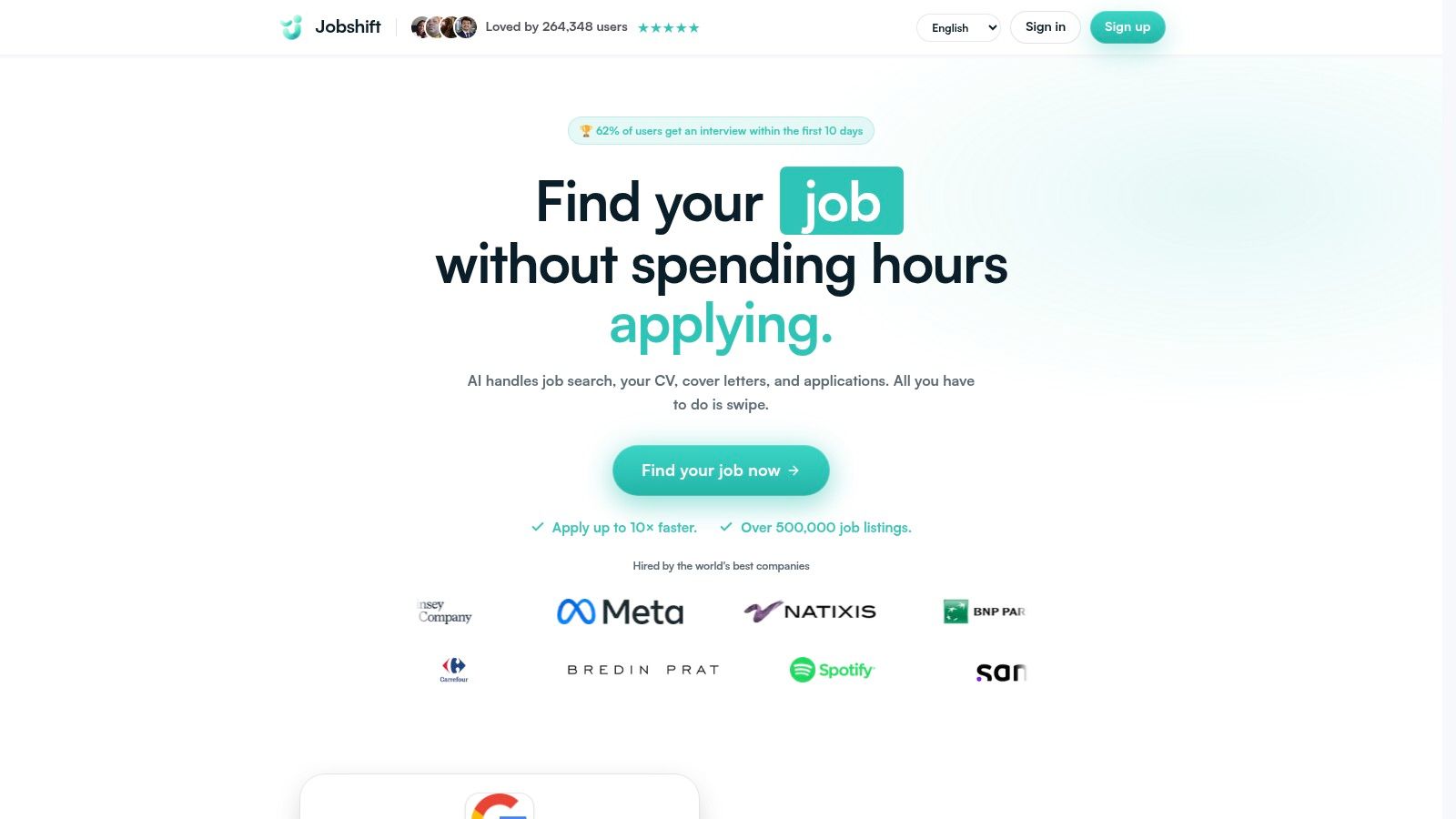
Jobshift is ideal for those who want to move fast without losing track. It helps you spot relevant jobs, filter what matters, and tailor your applications quickly. Perfect if you apply frequently, are new to job hunting, or send similar CVs and cover letters repeatedly.
Practical tip. If you spend a lot of time copy-pasting your CV and cover letter, you’re already losing time. Jobshift reduces this repetition with smart automation.
Its strength lies in fast visual sorting. The swipe interface turns long job lists into manageable shortlists, which is crucial when the UK job market sees thousands of new postings weekly. Speed in selection matters as much as volume.
What Works Well
- Quick job sorting with a swipe-based interface that’s more direct than traditional job boards.
- Built-in customization for CVs, cover letters, and quick responses.
- Multilingual interface supporting five languages, handy for international applications.
- Web-based access without installation, avoiding device lock-in.
Points to Watch
Jobshift focuses on the candidate experience rather than employer-side HR integrations. Always review generated content carefully before submitting, especially if the job requires precise answers or uses different application systems. Pricing details aren’t publicly listed, so check the official site to ensure it fits your application style before committing.
2. National Careers Service
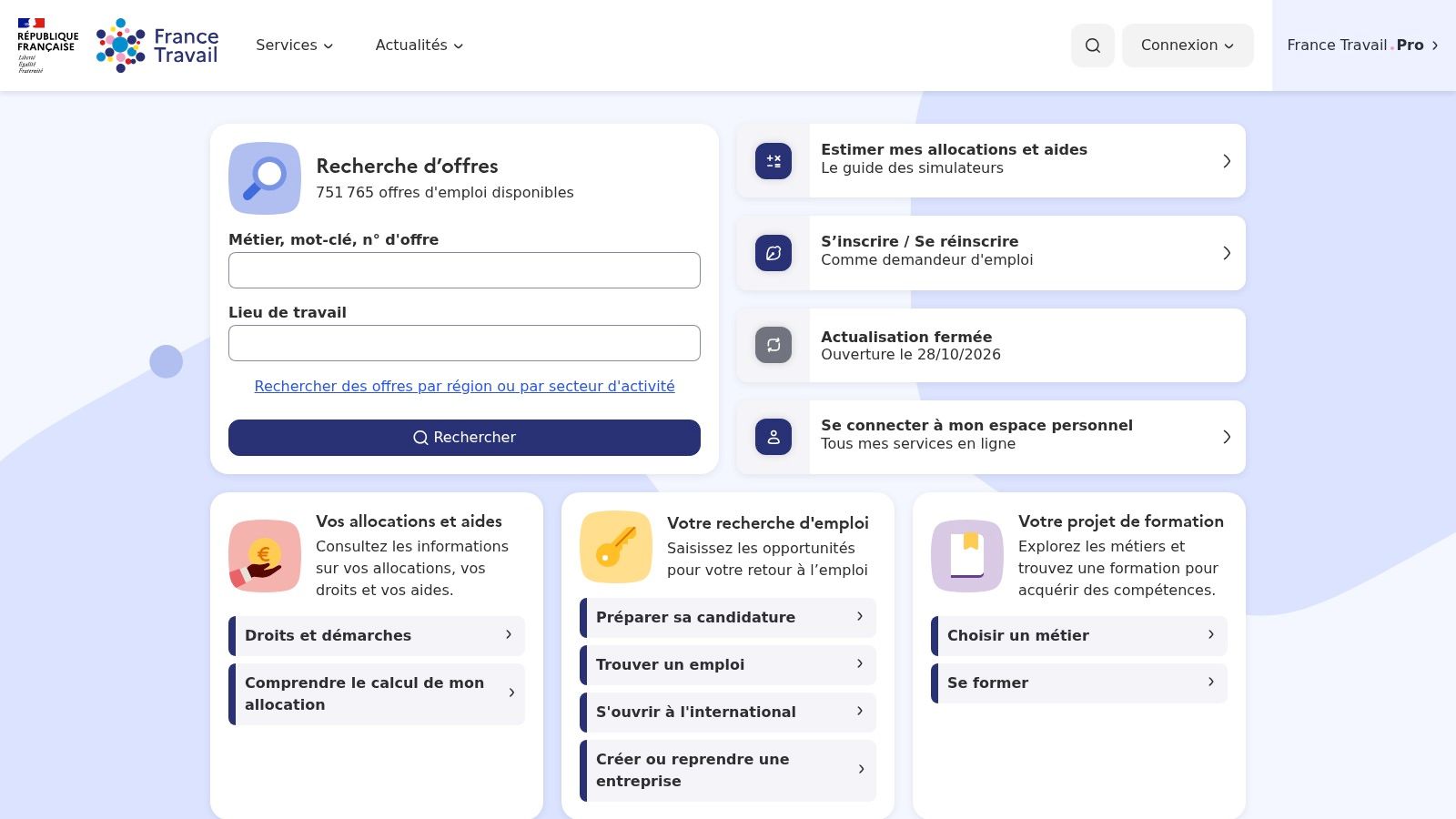
The National Careers Service is a fundamental tool for many UK job seekers, especially if you want an official, centralized entry point with alerts and application tracking. It keeps your job listings, appointments, and communications organized.
This app works well if you want to consolidate your search without juggling multiple accounts. It’s especially useful if your job hunt involves coaching, appointments, or administrative tasks. The experience is functional rather than flashy, so it’s less suited for those wanting a slick, product-focused interface.
As of 2024, millions of people use the National Careers Service to access job listings and support (official stats). It’s a national cornerstone, not a niche tool.
Who It Suits
- Those wanting everything in one public platform.
- Job seekers who need to track administrative steps.
- Users looking for a free, ad-free experience.
- Anyone wanting a reliable base before adding specialized apps.
Best combined with a faster app for filtering listings. For candidates balancing browsing, targeting, and applying, guides like how to choose a job board for apprenticeships help avoid duplication.
3. HelloWork
HelloWork offers a good balance of volume, filters, and mobile usability. It’s great if you’re applying from your phone and want to move quickly on specific contract types.
Its strength lies in filters for permanent, temporary, apprenticeship, and internship roles. This is especially useful for students and recent grads to avoid irrelevant listings. You can also create and store your CV within the app, reducing friction that often causes candidates to abandon applications.
Key Takeaways
- Mobile-friendly for searching and applying without switching sites.
- Clear contract filters to target specific job types.
- Alerts and tracking to catch good opportunities.
- Strong UK market focus with locally adapted features.
HelloWork is less suited for international job seekers or those wanting deep editorial content. For everyday use, its simplicity and effectiveness make it a solid companion alongside more institutional or network-oriented job boards.
4. Indeed UK
Indeed is ideal for broad, multi-sector searches without wasting time. It offers alerts, filters, and quick apply on many listings.
Its main benefit is sorting. You can quickly spot jobs appearing across sectors, reserve detailed applications for the most promising roles, compare similar job titles, and spot overly generic listings.
Why It’s Useful
- Wide coverage including small and medium enterprises.
- Responsive mobile experience that’s easy to use.
- Application tracking within the app.
- Salary estimates on some listings.
A downside is inconsistency—some listings redirect to third-party sites, so your experience depends on the employer as much as Indeed. It’s great for discovery but less so for seamless end-to-end applications.
When volume is high, Indeed is useful for triage: spot many offers, then focus on quality applications.
5. LinkedIn Jobs

LinkedIn Jobs is more than a job board; it’s a visibility platform. You see jobs, but also recruiters, companies, posts, and network signals that can unlock opportunities.
The Easy Apply feature speeds up compatible applications. LinkedIn is especially useful for verifying your profile’s credibility before applying. For recent grads, junior managers, and career changers, a well-maintained profile can compensate for limited experience.
A weak LinkedIn profile doesn’t always block applications but makes them colder. A clear, complete profile helps you move from “anonymous candidate” to “recognizable person.”
The platform also supports light prospecting alongside job search. For tips on approaching recruiters tactfully, see the LinkedIn B2B prospecting guide. If you often fill long forms, the online application form guide highlights common friction points to anticipate.
6. Welcome to the Jungle
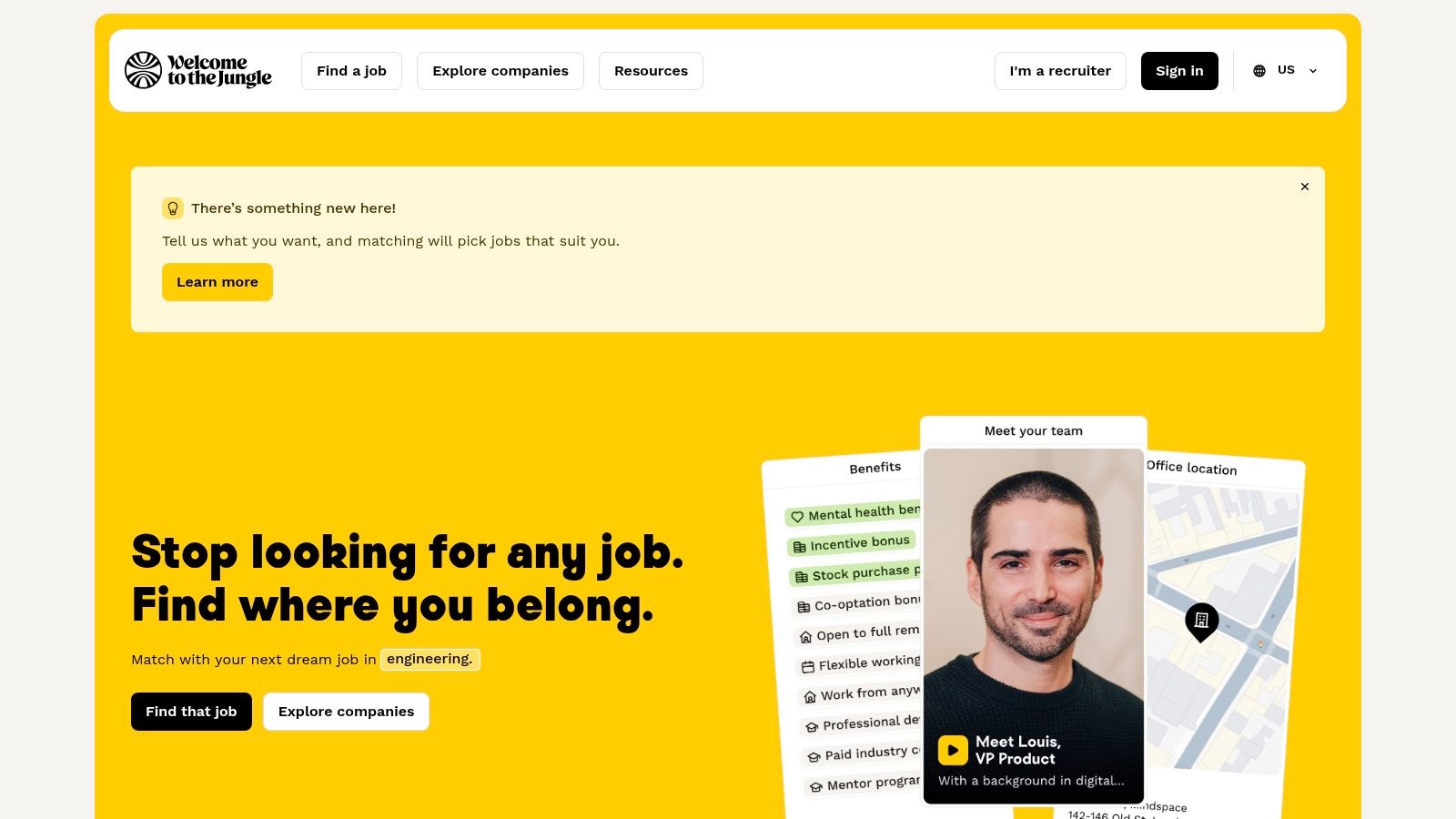
Welcome to the Jungle isn’t for bulk applications. It’s for understanding companies before applying. Employer pages are rich, filters clear, and mobile experience smooth even without a native app.
This positioning is unique. While some apps push quick apply, this one encourages informed applications. For roles where team culture, work style, or autonomy matter, this is invaluable.
When to Use
- To read detailed company profiles before applying.
- To filter by contract type, remote work, location, or salary.
- To manage applications within the web interface.
- To avoid vague listings that reveal little about daily work.
A downside is some steps redirect to employer sites, making it better for decision-making than pure application execution.
If you’re applying from abroad or considering UK roles from overseas, check out our guide on international job search in the UK for tailored advice.
7. Meteojob

Meteojob suits those wanting quick suggestions without manual filtering. Profile matching does most of the work, with alerts keeping you updated.
Its value depends on how complete your profile is. Clear criteria yield better matches; vague profiles get average suggestions. The interface is simple, including on Android, making it good for ongoing searches rather than deep exploration.
What to Expect
- Matching helps target quickly if your profile is detailed.
- Alerts reduce the need for constant app checks.
- Listings vary by source, as with many job boards.
Meteojob works best as a complement, not a sole tool. It’s good for recommendations and market monitoring without spending all day on it.
8. Apec
APEC targets managers and recent graduates with at least a bachelor’s degree. Its strength is quality over quantity, filtering out overly broad listings.
It combines job offers, advice, and coaching. It’s useful when you want to work on your positioning and career strategy, not just apply. This makes it ideal for those needing direction as well as jobs.
Best Practices
- For managers and graduates aiming for managerial roles.
- For targeted alerts without overwhelming volume.
- For career content and support services.
- For precise searches when generalist platforms get noisy.
APEC is less suited for non-managerial roles and has fewer listings than generalist sites. But it helps keep your search focused and coherent.
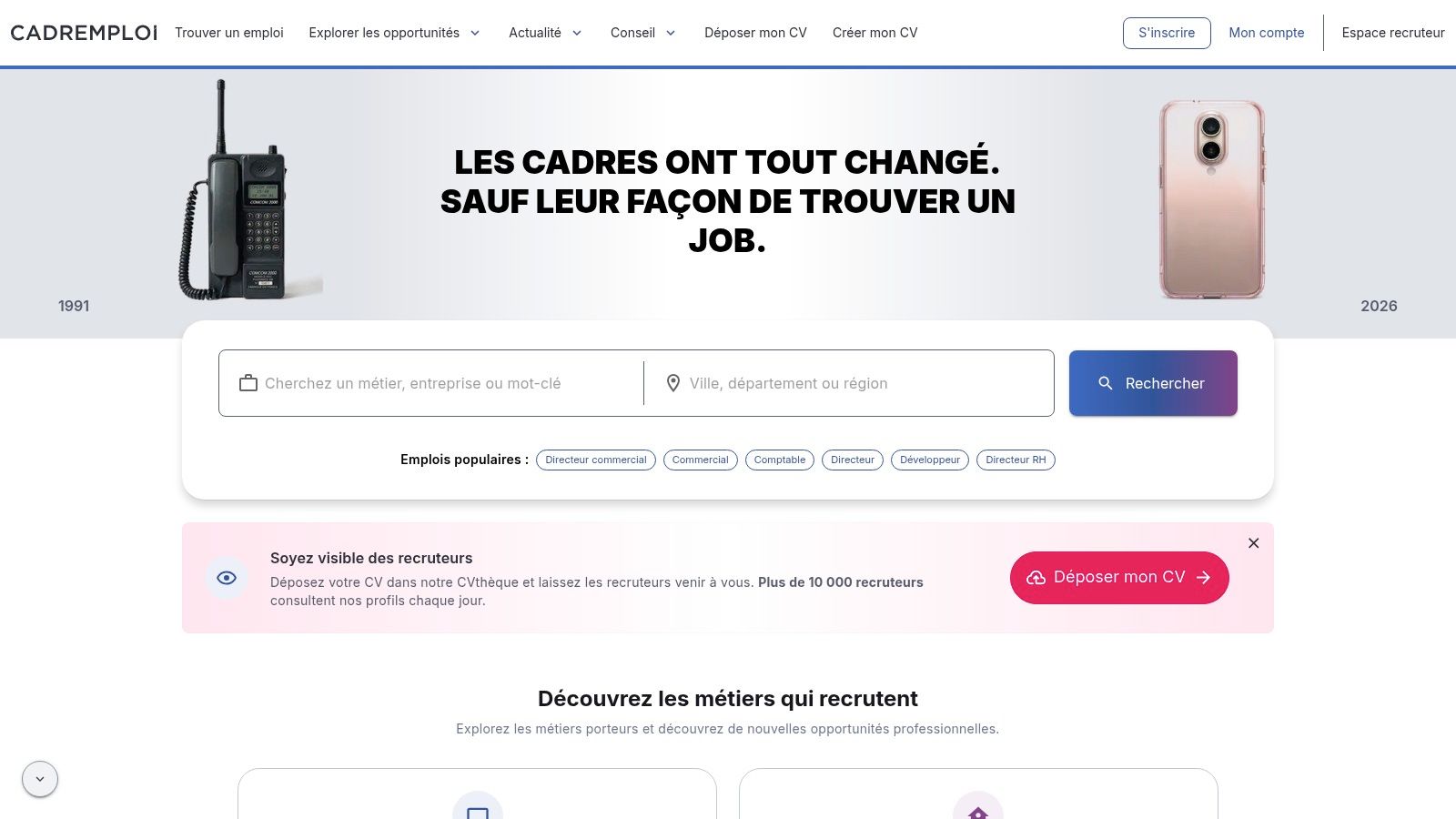
9. Cadremploi
Cadremploi is for managers who want to avoid distractions. Its iOS and Android apps combine search, alerts, advanced filters, and career advice tailored to management profiles.
Its real value is filtering. You can quickly compare sectors, salaries, and locations to keep only relevant listings. If your career goals are unclear, it helps narrow your focus without starting from scratch.
Cadremploi pairs well with other apps. LinkedIn helps find contacts and companies, while Cadremploi keeps your job search tidy.
Expectations
- Targeted listings for managers and executives.
- Advanced filters to exclude irrelevant offers.
- Alerts useful when tracking few roles.
- Career content to prepare next steps without leaving the app.
Cadremploi is less relevant outside its core audience. It’s a precision tool, not a universal solution. For managers, it works best alongside a generalist job board.
10. Leboncoin Emploi
Leboncoin Emploi is useful for local jobs, field roles, and small businesses. Its appeal lies in simplicity, broad reach, and quick employer contact.
Here, sophistication matters less than proximity. If you want to search near you or target roles where direct communication is key, this app fits well in your strategy.
Good Practices
- Search locally before widening your area.
- Read listings carefully as quality varies.
- Use messaging to quickly clarify practical details.
- Keep it as a complement to more structured job boards.
Leboncoin Emploi works well alongside other tools. It doesn’t replace specialized platforms but surfaces opportunities you might miss elsewhere.
Comparison of 10 Job Search Apps
| Platform | Key Features | Quality / UX (★) | Value & Pricing (💰) | Target Audience (👥) | Unique Strengths (✨) |
|---|---|---|---|---|---|
| 🏆 Jobshift | Swipe discovery, AI CV/cover letter adaptation, multilingual web | ★★★★☆, fast, smooth | 💰 Pricing not public, saves time & personalizes | 👥 Graduates, high-volume applicants, career changers, freelancers, internationals | ✨ Integrated AI, swipe interface, 5 native languages, no install |
| National Careers Service | Job search, application tracking, integrated calendar | ★★★☆☆, functional but basic | 💰 Free, centralizes public services | 👥 UK job seekers, public service users | ✨ Monitored admin steps, official integration |
| HelloWork | Mobile app, CV creation, contract filters | ★★★★☆, mobile-friendly | 💰 Free, local/contract targeting | 👥 UK candidates seeking specific contract types | ✨ Mobile CV storage, detailed contract filters |
| Indeed UK | Massive search engine, filters, alerts, quick apply | ★★★★☆, broad coverage, responsive UX | 💰 Free, large offer selection | 👥 Multi-sector job seekers wanting volume | ✨ Huge listings, salary estimates |
| LinkedIn Jobs | Easy Apply, alerts, recruitment network | ★★★★☆, visibility + networking | 💰 Free (Premium paid features) | 👥 Professionals, networkers, recruiters | ✨ Direct recruiter access, profile visibility |
| Welcome to the Jungle | Rich employer pages, filters, mobile PWA | ★★★★☆, excellent employer content | 💰 Free, employer branding focus | 👥 Candidates wanting company culture insights | ✨ Detailed employer pages, videos, culture content |
| Meteojob | Profile matching, alerts, recommendations | ★★★★☆, relevant recommendations | 💰 Free, automated suggestions | 👥 UK candidates wanting quick matching | ✨ Strong automatic matching, personalized alerts |
| APEC (managers) | Managerial jobs, career support, alerts | ★★★★☆, specialized & reliable | 💰 Free + paid coaching services | 👥 Managers, graduates with degrees | ✨ Expert advice, workshops, dedicated guidance |
| Cadremploi | Management jobs, salary filters, mobile app | ★★★★☆, effective targeting | 💰 Free, targeted for managers | 👥 Managers, executives seeking salary filters | ✨ Advanced filters, recognized brand |
| Leboncoin Emploi | Local search, messaging, quick applications | ★★★★☆, strong local reach, simple UX | 💰 Free, large SME/TPE audience | 👥 Local recruitment, field roles | ✨ Large local audience, easy employer contact |
Simple Method to Manage Multiple Apps
The best strategy isn’t to install ten apps and open them randomly. Keep two or three truly useful platforms based on your level, location, and target. For example, one broad app to spot listings, one focused app for applying, and one network or context app to verify job credibility.
The classic trap is duplication. Seeing the same job on multiple sites, saving it everywhere, then losing track. To avoid this, use one simple tracking sheet with three columns: job spotted, application sent, follow-up needed.
Basic Method to Remember
- Activate alerts only on platforms you actively use.
- Filter first, apply second. Don’t do it the other way around.
- Log each application as soon as it’s sent to stay organized.
- Set aside a short daily slot rather than aimless scrolling.
- Delete apps that don’t provide relevant offers or save you time.
The two-week test is key. Keep your tools, observe which save time, which get responses, and which drain energy. In job hunting, friction costs more than reputation.
This approach suits graduates and career changers too. When the market slows and applications must be targeted, it’s better to have fewer apps, better used. You move faster when each tool has a clear role.
If you want to speed up without sacrificing application quality, try Jobshift alongside your usual job boards. It offers a more direct path, targeted applications, and less copy-pasting. Discover Jobshift and see if it fits your job search style.
À propos de l'auteur
Chris Massie, cofondateur de l'appli Jobshift. Il travaille sur l'outil depuis sa première version : analyse du CV face à l'offre, réécriture automatique des blocs faibles, candidatures envoyées en mode swipe. Profil LinkedIn