Best CV Software in 2026: Top 10 Solutions Compared
October 21, 2026
Found a job listing you like, but your CV doesn’t quite fit the role? You open an old version, shuffle sections around, look for a cleaner template, then realize downloading is behind a paywall. The next job requires yet another tweak.
The right software changes how you apply. Writing a CV, tailoring it to a job posting, and ensuring it’s readable by recruitment software all require different features. For a first application, you mainly need a clear document that’s easy to export. For career changes or international job searches, industry-specific examples, multilingual support, and version control become more important.
Content remains king. According to the Ofer survey by Dares, presented by France Travail, 89% of employers request a CV during recruitment and focus primarily on experience and soft skills during initial screening.
A subscription only makes sense if it helps you produce more relevant applications or avoid repetitive tasks. The number of templates alone isn’t enough.
To choose the best CV software, start with your next application. The following solutions cater to different needs, from free CV creation to AI-assisted customization, with special attention to export options and pricing transparency.
1. Jobshift
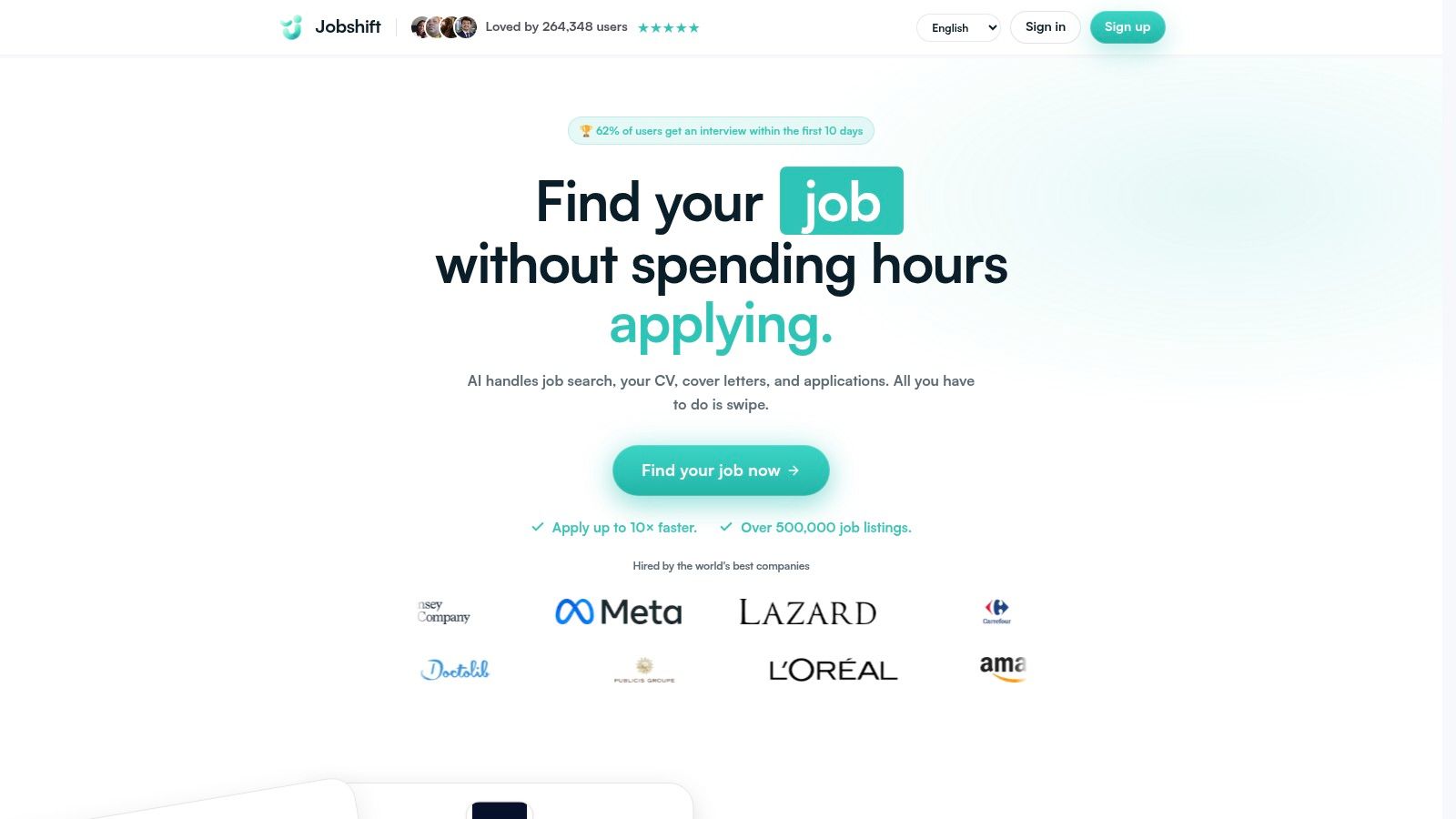
Jobshift is best suited for candidates who need to tailor multiple applications, rather than those just looking for a new template. This online platform combines job discovery and document preparation in one place.
Browse listings by swiping, build a shortlist, then use AI assistance to tailor your CV, cover letter, and quick responses. The benefit is working directly from job requirements without juggling multiple tools and copy-pasting.
A comprehensive application journey
For recent graduates, it helps align job responsibilities with internships and projects. For career changers, it highlights transferable skills without misrepresenting unpracticed roles.
- Strengths: job selection, document adaptation, and response preparation all in one workflow.
- International: Jobshift supports five languages, useful for cross-border applications.
- Watch out: pricing details are not clearly stated. Confirm export formats before preparing your full application.
According to the publisher’s website, the app lists over 500,000 jobs, speeds up applications by up to 10x, and 62% of users reportedly get interviews within 10 days. These promotional claims are not independently verified and do not guarantee results.
The real value is practical: can you move from a relevant job posting to a coherent application with fewer re-entries? Review each AI reformulation carefully, keep your reference CV handy, and remove any unsubstantiated skills.
2. CVDesignR
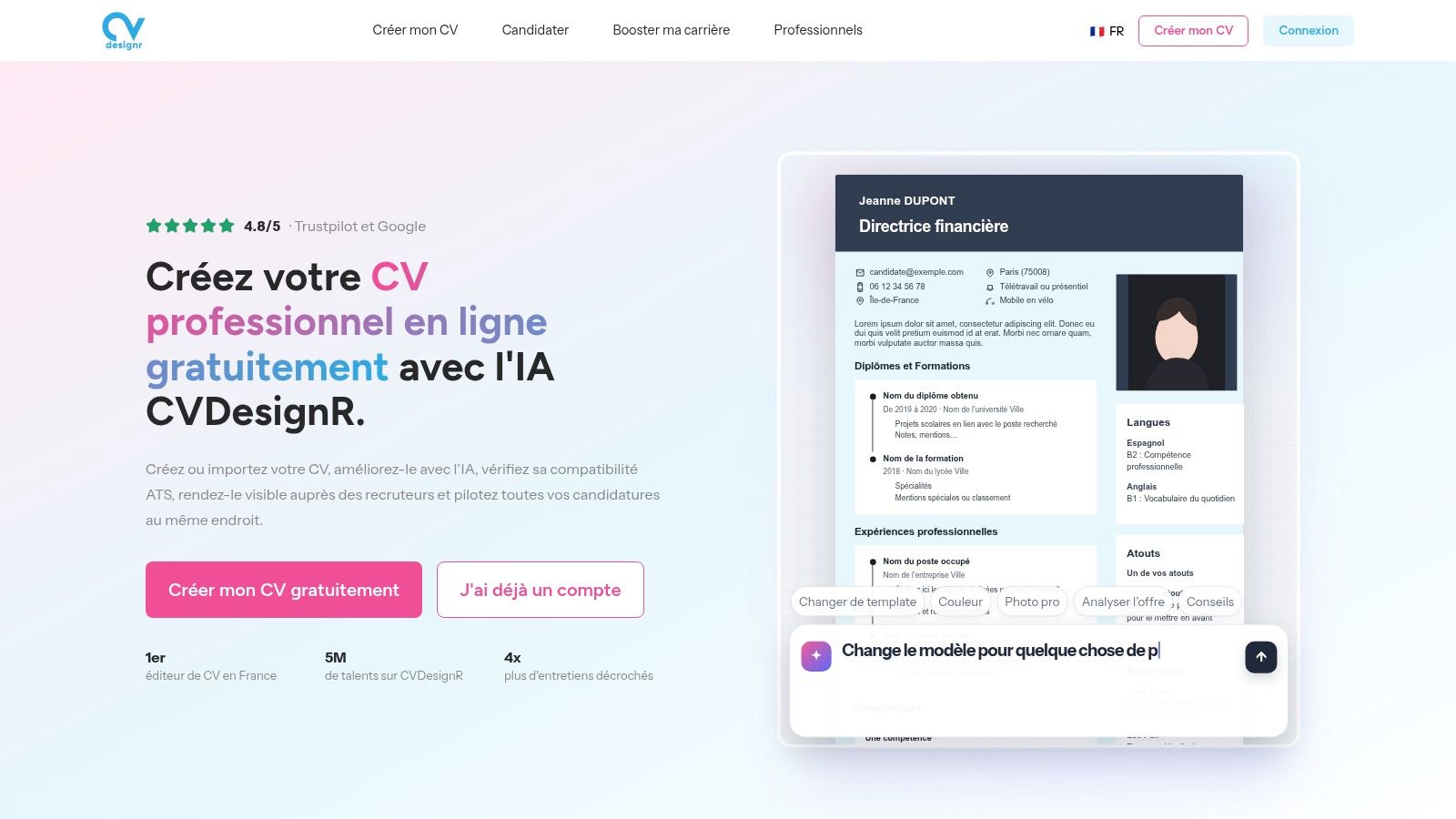
If you already have a CV and mainly want to reformat it for applications in the UK or US, CVDesignR offers a good balance between editing and content adaptation. You can start from a template or import an existing document.
The free creation and download options let you start without immediate subscription. Premium features include content analysis, ATS readability checks, and tailored suggestions for job postings.
Ideal for managing targeted CV variants
CVDesignR supports up to eight CV versions depending on the plan and offers translations in over fifteen languages. This is useful if you target similar roles requiring different skill emphases.
For example, for a sales role, you might highlight client relationship skills more. For an administrative role, you’d reorganize the same experiences around file management and coordination.
- Good point: start free, then decide if advanced analysis justifies payment.
- Limitation: advanced customization features require payment.
- Essential check: an ATS score is neither a validation of your experience nor a guarantee of interview.
Check the downloaded file’s layout after import and translation. Pay attention to dates, degree titles, and line breaks as much as to the suggestions offered.
3. Europass
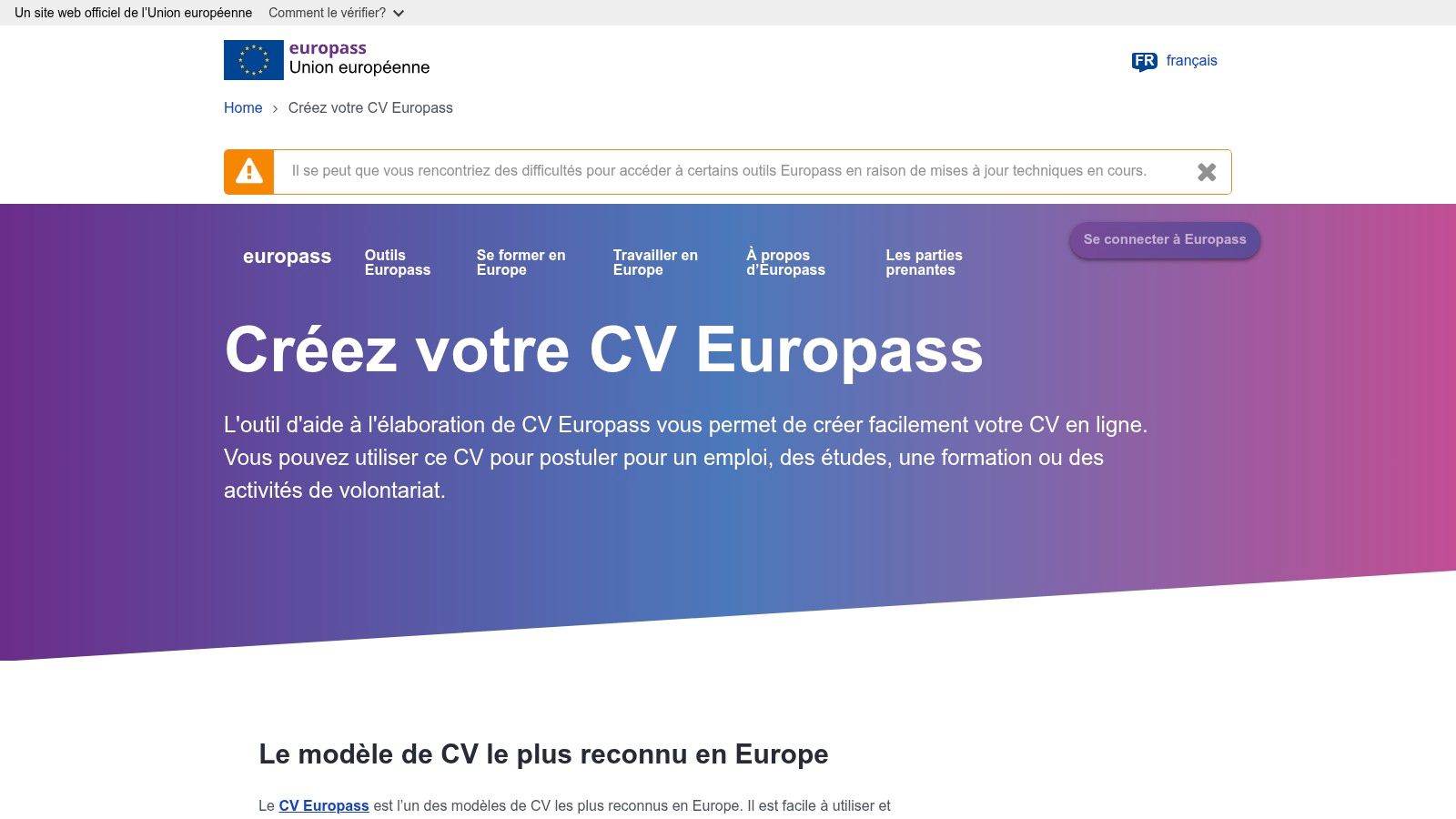
Europass is especially relevant for European mobility, education, or international exchanges. This European Commission tool lets you build a profile with your experiences, education, and skills, then generate multiple CVs.
Europass supports creation, storage, and sharing in 31 languages without any premium subscription. You can also prepare cover letters and connect with EURES job mobility services.
Consistency over graphic freedom
The main advantage is reusing your data. Complete your profile once, then select relevant sections for each application instead of retyping your education or experience.
The trade-off is visual: structured templates offer less design freedom than graphic editors. This is not a drawback if the recipient organization expects this format, but it may not suit every employer.
For international applications, translate the meaning of your responsibilities, not just the words. Also check employer instructions before choosing a format.
Budget-wise, Europass is a solid free alternative. Application-wise, keep a selective approach: a full profile doesn’t mean you should include your entire history in every document.
Before sending, verify translated titles and the exported file. A multilingual interface doesn’t guarantee your CV reads naturally to its recipient.
4. FlowCV
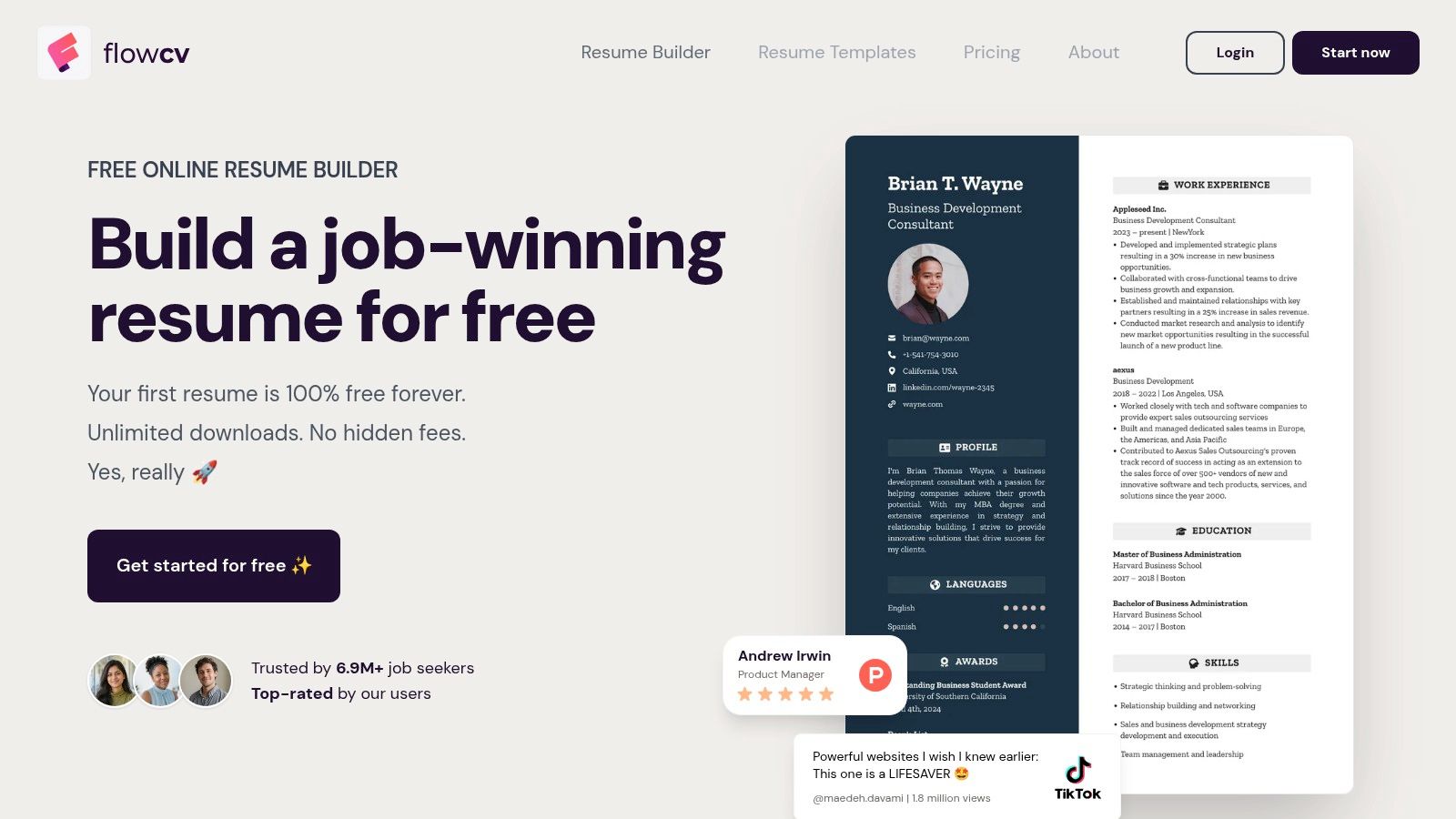
To quickly prepare a first document, FlowCV stands out with a fully usable free offer. Its guided editor shows the result as you type and lets you customize templates without starting from scratch.
FlowCV promises a free CV for life, no credit card required, with unlimited PDF downloads without watermarks. The free plan also lets you prepare a cover letter.
- To start: live preview helps adjust length and section balance.
- For multiple applications: extra versions, tracking, and AI features require Pro.
- Export: PDF only.
Important limit if employer requests Word format
FlowCV works well if you need a main CV and the recipient accepts PDF. It’s less suitable when a Word document is required or if you want to keep multiple variants within the tool.
Import your content, then check that the template leaves enough space for experiences. For students, it’s better to detail a relevant project than shrink font size to add minor sections.
The cost-to-use ratio is favorable for starting free. Pro’s value depends mainly on your real need for multiple versions and tracking, not just a desire for different layouts.
5. Canva
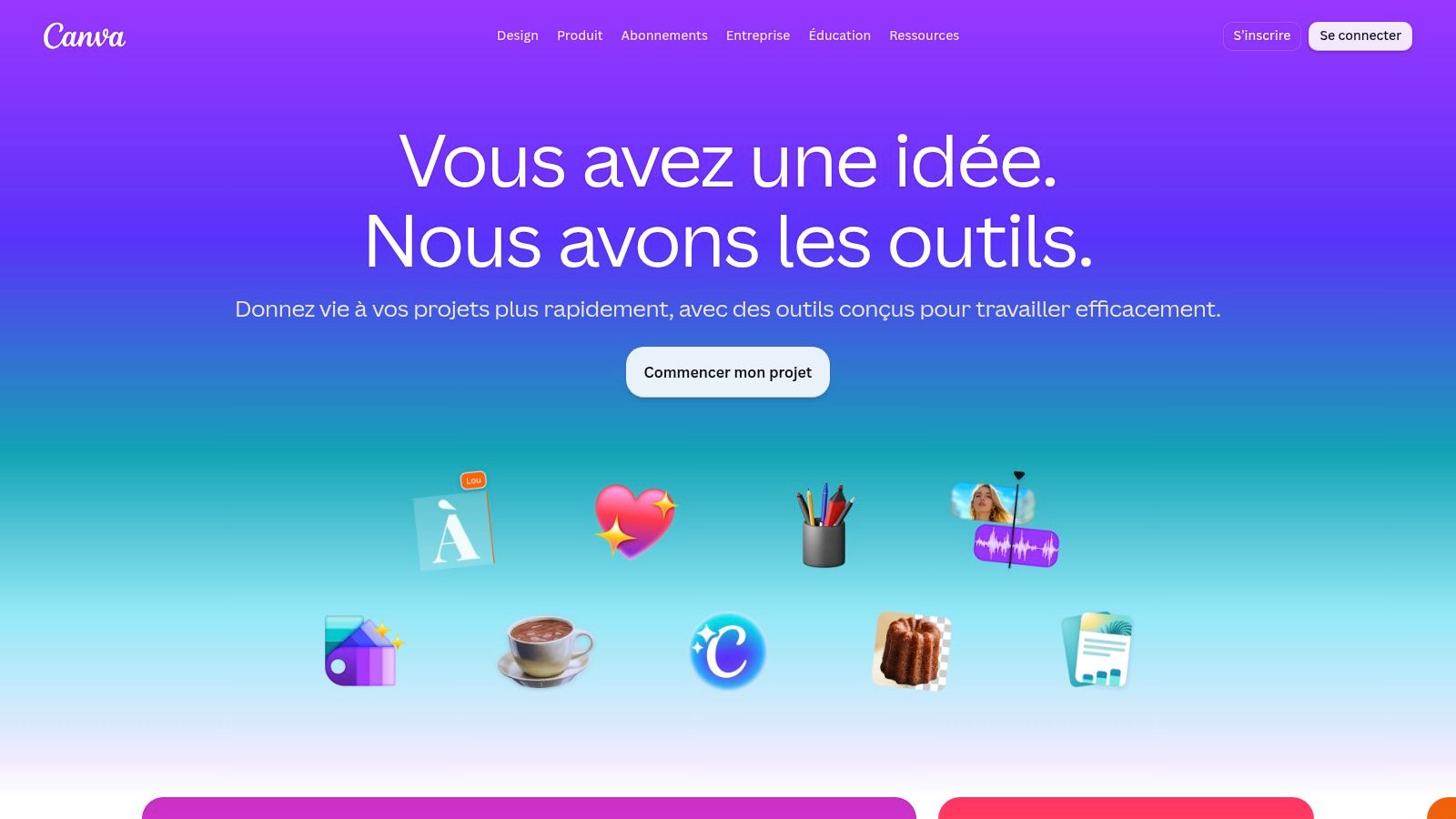
Canva is a graphic design choice, not a recruitment specialist. Its drag-and-drop editor lets you customize colors, fonts, and layouts, or harmonize a CV with a portfolio.
The Canva platform offers a free plan and additional content with Pro. For creative profiles, this freedom can be useful, provided the visual work doesn’t obscure key information.
Keep a clean version for online submissions
Columns, icons, and decorative elements can complicate text extraction by some recruitment software. Prefer a simple template when submitting your application via an online form.
- Relevant use: creative applications accompanied by a portfolio or sent directly to a contact.
- Less relevant use: seeking detailed content and skills guidance.
- Before paying: check if the chosen template or elements really require Pro.
For a comparison of approaches, our best online CV guide helps distinguish presentation from content building.
Don’t buy a subscription just to prettify vague content. Start by clarifying your tasks, tools, and achievements, then pick a layout that makes them easiest to read.
6. Novorésumé
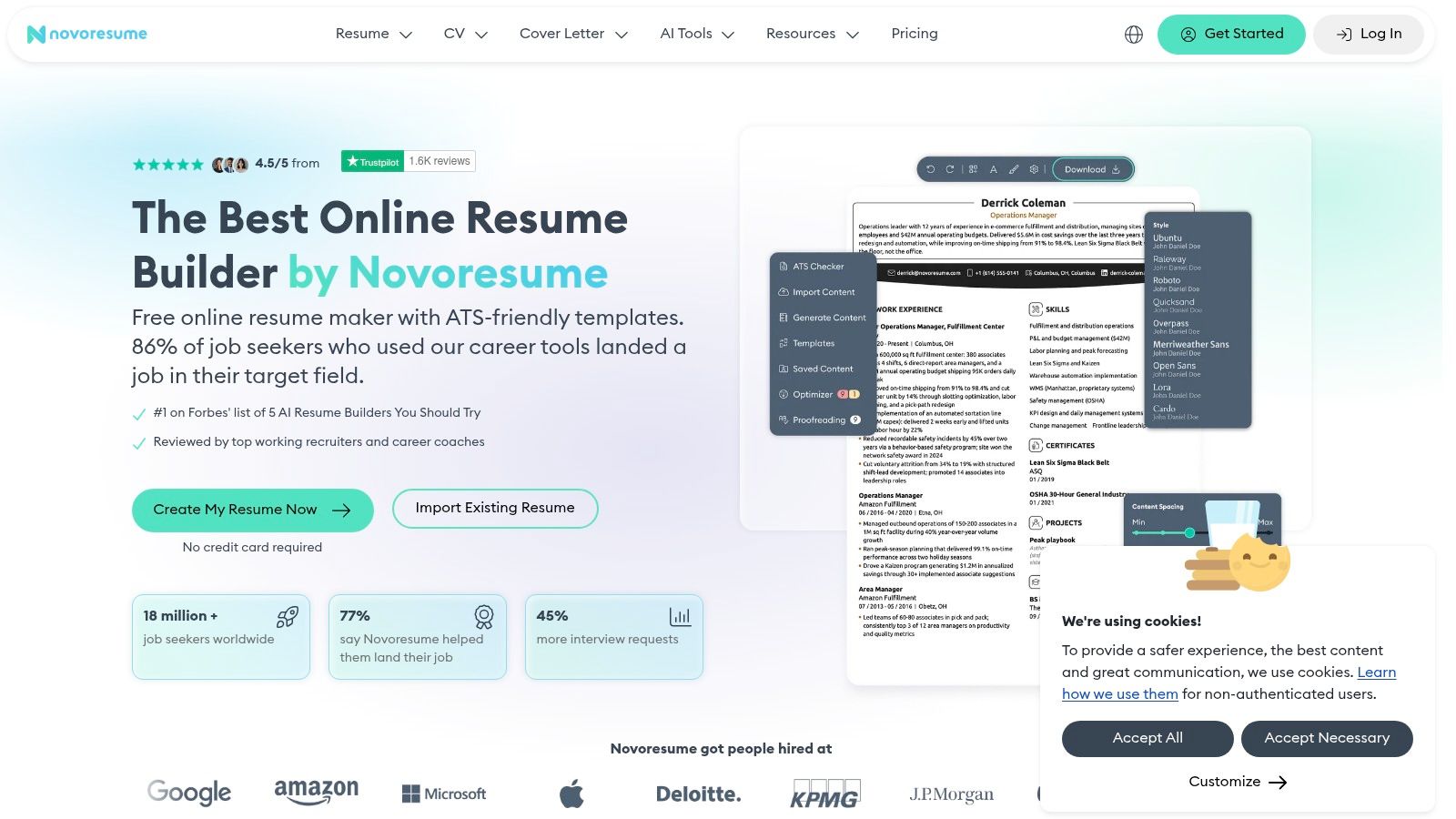
If you know which experiences to present but hesitate on wording, Novorésumé combines structured templates with writing support. Feedback during input can help build a more precise document than just assembling sections.
The Novorésumé Basic plan lets you create and download a CV for free, no credit card required. Premium adds customization, multiple versions, and matching cover letters.
Payment terms to review fully
The publisher states final prices before payment and no automatic Premium billing after expiration. Prices are in dollars, with possible taxes depending on billing address.
- Writing advantage: suggestions help replace vague phrases with more informative descriptions.
- Free limitation: some presentation options and advanced features are paid.
- ATS point: templates are designed to remain readable by recruitment software.
To appreciate suggestions, start from a real experience. A phrase like “participated in client request follow-up” can become more precise if you specify the channel used and your responsibility, but not if you add unmeasured results.
Novorésumé is especially worth attention if you want a framework for writing. Then check that the free plan covers your export needs before choosing Premium.
7. Enhancv
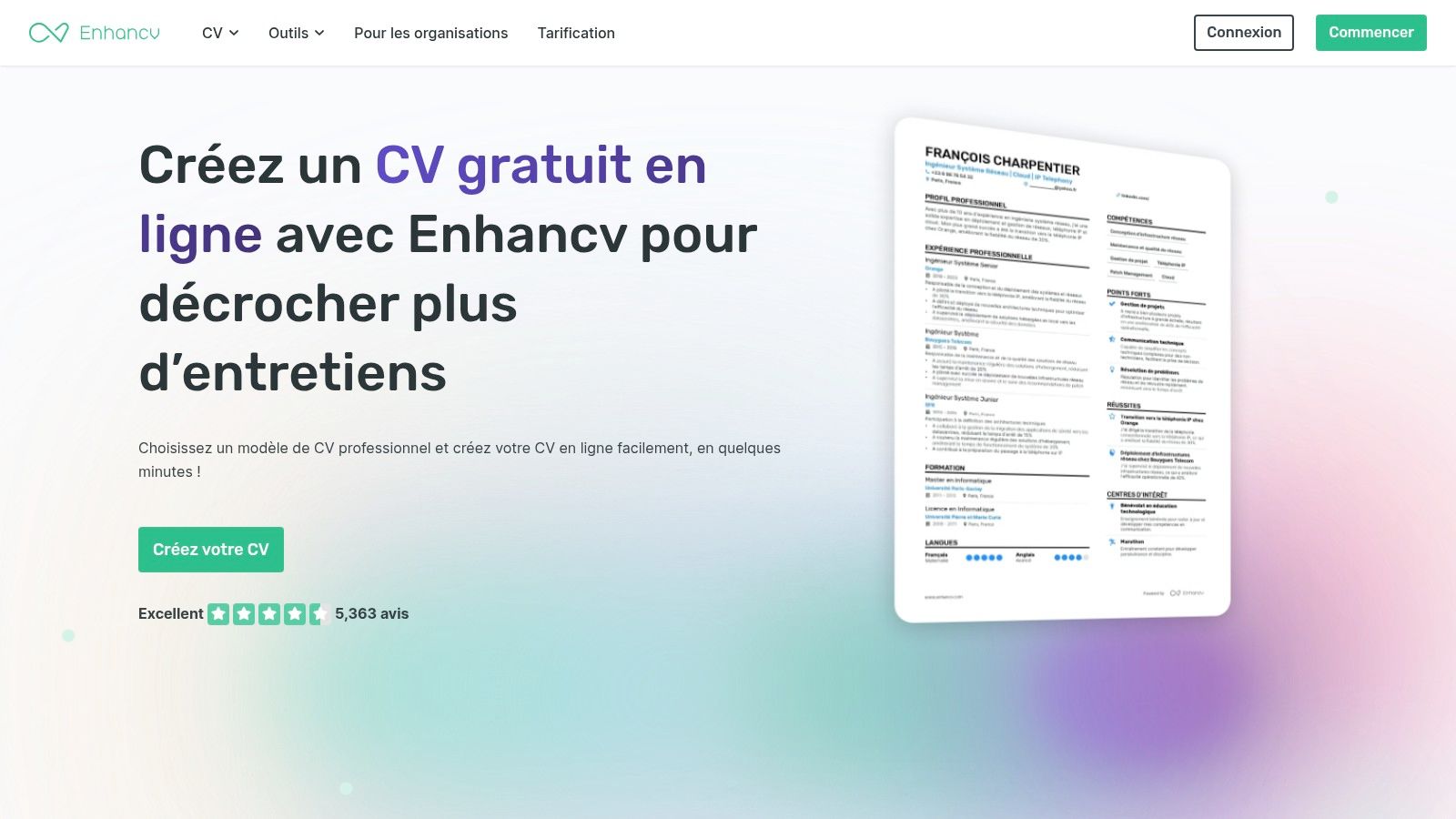
A varied career sometimes requires more selection work than a template change. Enhancv can help reorganize experiences and spot repetitive wording with customizable sections and analysis tools.
The interface is available in English. Writing suggestions, cover letters, and ATS checks depend on the chosen plan.
Enhancv offers a limited 7-day free trial, then a Pro subscription with automatic renewal unless canceled. This is important if you plan to use the editor for a one-off application.
Best used with a clear revision goal
- For career changers: distinguish demonstrated skills from those you aim to acquire.
- For multiple roles: create truly targeted versions, not just different job titles.
- For budget: check renewal terms before starting the trial.
Analyses can guide your proofreading but shouldn’t push you to change every sentence just to improve a metric. Concrete responsibilities are better than flashy but less truthful phrases.
The extra cost over free tools is justified mainly if you actively use revision and versioning features. Test them on your own CV before subscribing.
8. Zety
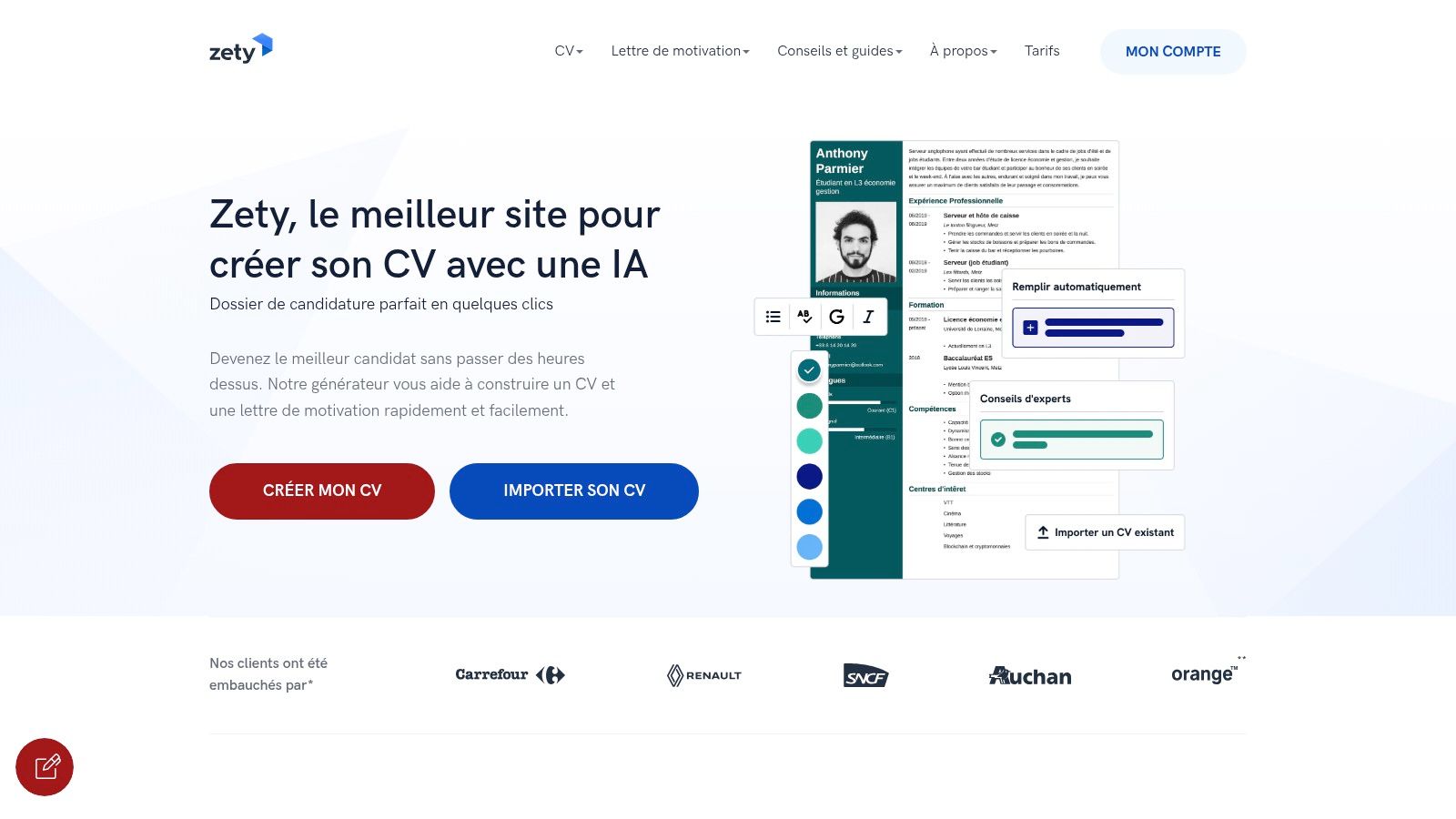
Zety mainly helps overcome writer’s block. The guided process, suggested texts, and templates provide a starting structure for candidates unsure how to organize their CV.
Zety offers over 28 templates but reserves PDF and TXT downloads for paid plans. A basic free plan exists but doesn’t grant full export access.
Check download before filling all details
The trial auto-renews if not canceled in time. The post-trial price can be significantly higher, so reading terms carefully is crucial.
- Advantage: step-by-step guidance with starter text suggestions.
- Limitation: suggested texts may remain generic if accepted without edits.
- Practical decision: check final file price and cancellation terms before entering your full history.
For applications via platforms, also check criteria for a free ATS-friendly CV. These help verify the document beyond its appearance.
Zety can save time on structure. It doesn’t replace proof work: every skill listed must be backed by experience, internship, or project.
9. monCVparfait
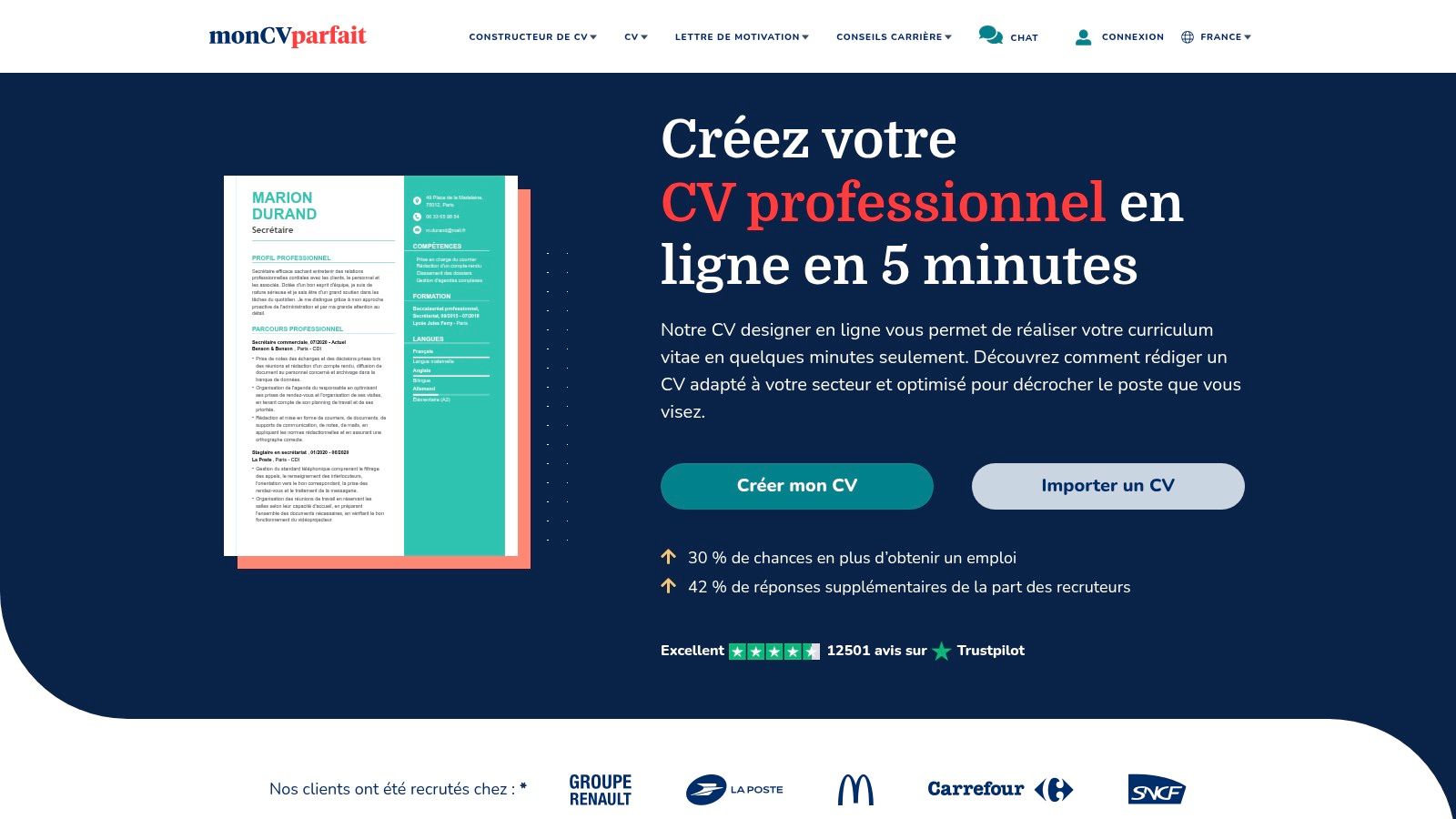
For internships, apprenticeships, or career changes, the challenge isn’t always layout. You may lack guidance on which experiences deserve a place on your CV.
monCVparfait offers job- and situation-specific examples, customizable templates, suggested phrases, and a spell checker. It also supports downloads in PDF, Word, and other formats depending on the tool.
Examples are helpful if rewritten
Use suggested content as inspiration. If an example describes a task you never performed, don’t keep it just because it seems to fit the job.
- For beginners: examples can help identify relevant volunteer or academic experience.
- For career changers: use them to understand industry vocabulary without claiming unheld responsibilities.
- Before paying: verify pricing and terms, which aren’t clearly stated.
The best approach is to tailor your CV to a job offer by selecting facts already present in your background.
monCVparfait’s main value is helping you get started. The final quality depends on your ability to replace pre-filled phrases with tasks, tools, and responsibilities you can genuinely discuss in interviews.
10. CVapp.fr
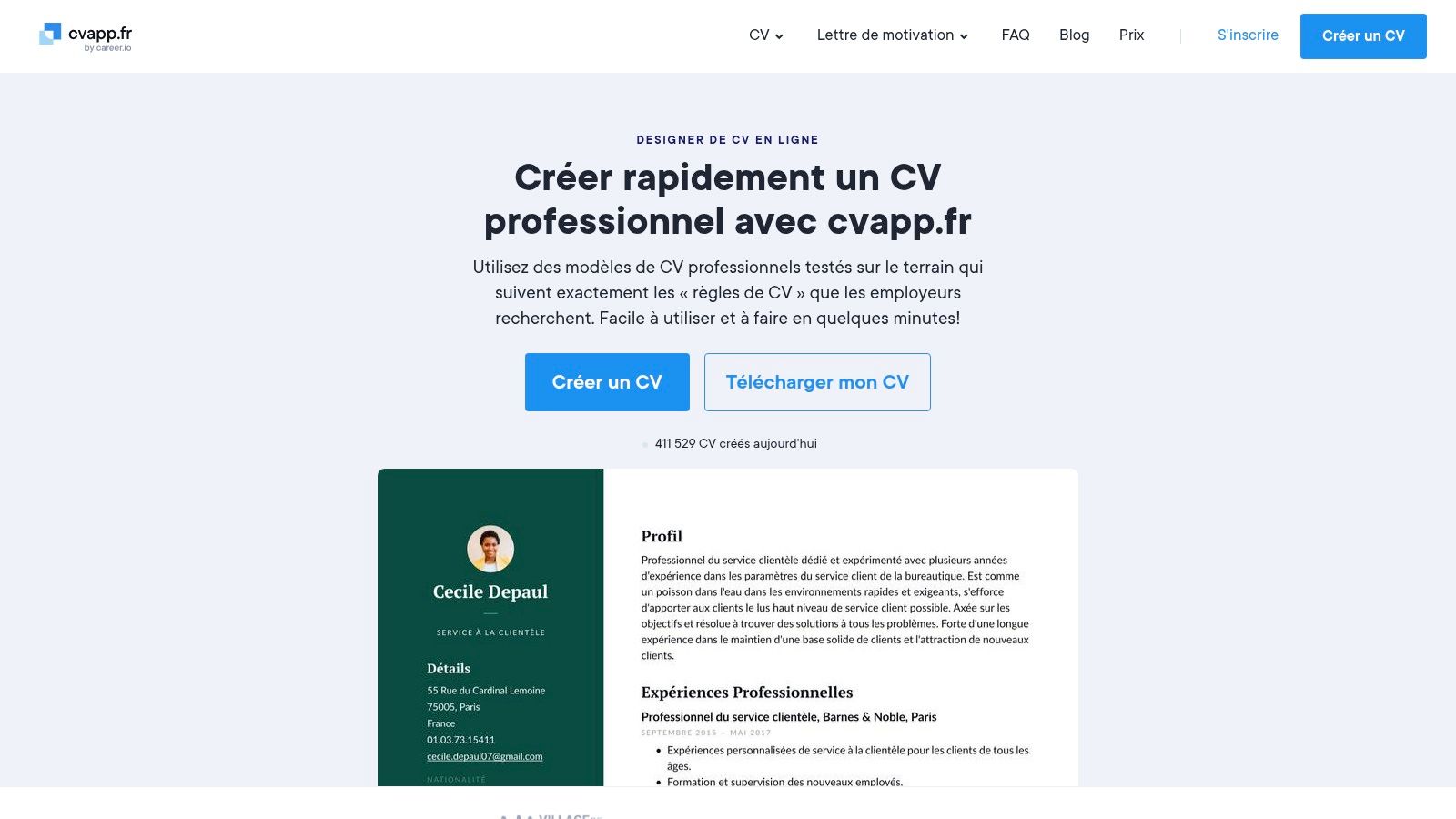
CVapp.fr combines a guided editor, job examples, and phrasing suggestions. You can also prepare a matching cover letter and use an integrated spell checker.
Templates are presented as ATS-compatible. This should be verified with the final file, especially if you add graphic elements or heavily modify structure.
Free plan to assess before starting
The CVapp.fr free plan limits you to one CV and one cover letter, with downloads mainly in TXT format. The page showed a Trustpilot rating of 2.2 out of 5 from 227 reviews, an indicator to interpret cautiously rather than a verdict on every use.
- Helpful point: job-specific examples ease structure search.
- Export constraint: free downloads may not match the formatted document you want to send.
- Commercial caution: discounted trial may convert to paid subscription if not canceled.
Pricing and renewal details are on the official pricing page. Read them before starting and check cancellation policies.
CVapp.fr may suit you if you like its support and accept file access conditions. Otherwise, if you want a free, immediately usable PDF, compare alternatives without subscriptions first.
Comparison of the Top 10 CV Software
| Tool | Main Features | Experience & Quality | Target Audience | Unique Selling Point | Price & Cautions |
|---|---|---|---|---|---|
| 🏆 Jobshift | Job browsing, AI-tailored CVs, cover letters, and responses | ★ Unified candidate workflow, five languages | 👥 Active candidates, internationals, graduates, career changers | ✨ Job discovery and application in one flow | 💰 Pricing not disclosed; review AI outputs and promotional claims |
| CVDesignR | Create/import CVs, ATS analysis, AI suggestions | ★ Multiple CV versions possible | 👥 Candidates in UK/US, managing multiple CVs | ✨ Translation in 15+ languages | 💰 Free start; advanced features paid |
| Europass | Reusable profile-based CVs and letters | ★ Documents in 31 languages | 👥 Students, European mobility applicants | ✨ European Commission tool, EURES integration | 💰 Free; standardized visual format |
| FlowCV | Guided editor, templates, PDF export | ★ Live preview, watermark-free downloads | 👥 Quick CV creators | ✨ Lifetime free CV | 💰 Free basic; Pro for AI and versions |
| Canva | Drag-and-drop CV templates and graphic editing | ★ High design freedom | 👥 Creative profiles, visual-focused candidates | ✨ Portfolio integration | 💰 Free and Pro plans; some designs may hinder ATS |
| Novorésumé | CV, letter, writing feedback | ★ ATS-friendly templates | 👥 Students, professionals | ✨ Integrated writing help | 💰 Free Basic; paid advanced options, USD pricing |
| Enhancv | CV, letters, suggestions, ATS analysis by plan | ★ Tools to improve and tailor CVs | 👥 Candidates tailoring CVs for multiple roles | ✨ Detects vague or repetitive wording | 💰 7-day free trial; paid Pro with auto-renewal |
| Zety | CV and letter builder with templates and text suggestions | ★ Guided start from scratch | 👥 Candidates needing structure help | ✨ Matching CV and letter | 💰 Basic free; full downloads paid, watch trial terms |
| monCVparfait | Templates, job examples, pre-written phrases | ★ Useful resources for structure | 👥 Beginners, students, career changers | ✨ Examples for many jobs and situations | 💰 Paid pricing; adapt texts to your experience |
| CVapp.fr | CV, letters, job examples, spell checker | ★ Guided editor, ATS-compatible templates claimed | 👥 Candidates wanting writing support | ✨ Cover letter matching CV | 💰 Limited free plan; trial may convert to paid |
Choose Based on Your Next Application
The best CV software isn’t the one with the most templates. It’s the one that helps you produce an honest application reflecting your background, in the required format, without paying for unnecessary features.
For a standard UK or US application, favor a simple structure and clean export. France Travail recommends .docx format followed by a text-based PDF from an editable document, rather than scanned documents or images.
Key checks before choosing
- First application: start with FlowCV, Europass, or CVDesignR’s free plan.
- Regular tailoring: consider Jobshift to link jobs and documents, or advanced features of CVDesignR and Enhancv.
- European mobility: choose Europass if its format fits your needs.
- Creative profile: consider Canva, but keep a clean version for forms.
- Payment: verify final price, payment methods, renewal, and cancellation policies.
- Export: download a test file and check contact info, dates, sections, and page breaks.
The decisive test: can you explain and justify every sentence in the downloaded CV? Remove any suggested skill you cannot back up.
Frequently Asked Questions About CV Software
Which software to use for free CV creation?
FlowCV, Europass, and CVDesignR are good starting points. However, check each plan’s limits, especially available versions and download formats.
Which tool for ATS-compatible CV?
CVDesignR, Novorésumé, Enhancv, and CVapp.fr offer ATS-oriented features or templates. No commercial label replaces checking the final file: ensure text can be selected and extracted in a logical order.
Is Canva suitable for online applications?
Yes, if you pick a clean layout and check exports. Avoid hiding essential info behind icons or complex graphics that are hard to extract.
Do you need to pay for a good CV?
No, a free tool can suffice for a polished application. Paid plans become relevant if they meet concrete needs like repeated tailoring, multiple versions, or useful writing assistance.
Can AI write your entire CV?
You can entrust it with initial reformulations, but you must validate every detail. It should not add results, responsibilities, or skills your background cannot justify.
Jobshift combines job discovery with AI-assisted tailoring of your CV, cover letter, and application responses. To prepare targeted applications without repetitive re-entries, visit Jobshift and start with a job that truly fits your goals.
À propos de l'auteur
Chris Massie, cofondateur de l'appli Jobshift. Il travaille sur l'outil depuis sa première version : analyse du CV face à l'offre, réécriture automatique des blocs faibles, candidatures envoyées en mode swipe. Profil LinkedIn