Canva cover letter: free templates and an ATS-friendly alternative
 Chris Massie
Jobshift
Chris Massie
Jobshift
November 1, 2026 · 14 min read
Partager l'article
To make a Canva cover letter that actually gets read, pick a sober A4 template, write it with the you, me, us structure, then export a PDF whose text you can still select. That selectable text is what lets recruitment software (an ATS) read the letter.
Canva is a good fit for a careful letter you send by email or print for an interview. For an application dropped into a career site, a simpler document (Word, Google Docs or a generator) is often safer.
The aim is to raise your chances without dubious shortcuts and without hurting your credibility: a pretty template does not replace a letter written for one specific opening. This guide compares the options, then shows how to use Canva without the usual traps.
In short
- Canva is free and fast for a letter that looks finished and matches your resume, with PDF, PNG, JPEG or SVG export.
- For an online application, readability comes before design. According to France Travail, an ATS reads the cover letter "about one time in two", and a scanned or image PDF is the same as a blank page.
- Export a standard PDF, never an image, then test it: if you can select and copy the text, software can read it.
- Keep two versions: a sober one for online forms, a more creative one for a direct email or the interview.
- The content matters more than the template: one page, one letter per opening, a readable font, and 30 seconds to convince (France Travail).
What Canva does well for a cover letter, and where it stops
Canva is an online design tool you can use for free. It offers cover letter templates you personalise by dragging blocks. Its dedicated page highlights AI help (Magic Studio), but some features sit behind the paid plan.
What Canva does well:
- Matching the letter to the resume. Same colours, same header, same font: the file looks coherent, which matters when you attach it for a recruiter.
- Moving fast on layout. Margins, header and blocks are already placed. You only have to write.
- Exporting several formats: PDF, PNG, JPEG or SVG, according to Canva's cover letter page.
Limits to know before you apply:
- No Word export for a classic letter. Canva's help says DOCX is available only for Canva Docs designs. France Travail recommends .docx first for online submissions, ahead of a text PDF.
- Templates built for the eye, not for software. Columns, boxes, icons and decorative fonts are among the elements France Travail flags as problematic for ATS tools.
- Image formats are the wrong choice. PNG and JPEG are handy for a portfolio, not for an application: software does not read the text inside an image.

Canva, Word, Google Docs or a generator: the comparison
The right tool depends mostly on where the letter will land: a career-site form, a recruiter's inbox, or an interview table.
| Criterion | Canva | Word | Google Docs | Letter generator (for example Jobshift) |
|---|---|---|---|---|
| Price | Free (advanced features paid) | Included in Microsoft 365 (free web version with a Microsoft account) | Free | Free |
| Strength | Design, consistency with the resume | .docx format many ATS tools expect | Simple, sharing and comments | An immediate draft from the role, the company and one fact about you |
| Export | PDF, PNG, JPEG, SVG (DOCX only for Canva Docs) | .docx and PDF | .docx and PDF | Text to reread, then paste into the tool you choose |
| ATS readability | Good with a sober template and a text PDF, risky otherwise | Very good with a simple layout | Very good with a simple layout | Depends on the final layout |
| Best for | Direct email, interview, creative jobs | Online forms, large companies | Fast applications, several people reviewing | The first draft, or applying to many openings |
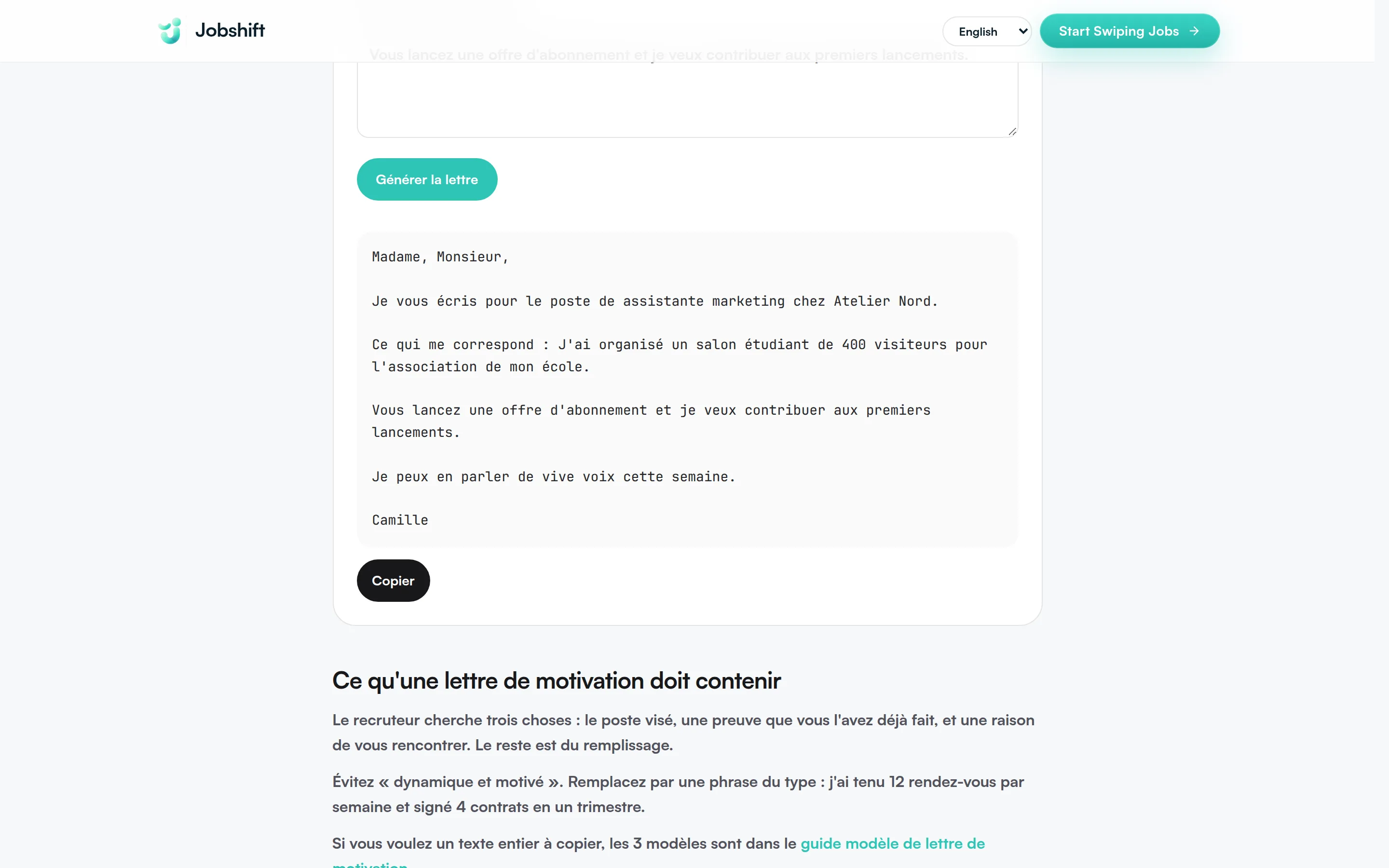
These tools do not cancel each other out. A useful method is to write the text first (on your own, or with a cover letter generator), then lay it out in Canva for the designed version and in Word or Google Docs for the online version.
When to choose Canva, and when to skip it
Choose Canva when:
- you send the application by email directly to a person, for example a speculative application by email;
- you are aiming at a job where the visual is part of the message (communications, design, marketing, events);
- you bring a printed version to an interview or a fair;
- you apply to a small organisation that receives applications by email rather than through software.
Prefer Word, Google Docs or a generator when:
- you upload the file on a career site or a job board with a form;
- the company is large: according to Apec (2025 figures reported by France Travail), 27 % of French companies use an ATS, but that is true of 68 % of those with 5,000 employees or more, and of 75 % of those with 200 employees or more;
- the posting explicitly asks for a .docx file;
- you apply to many openings at once and need to adapt each letter quickly.
For an internship or an alternance (a French work-study contract), both cases exist: a small firm often replies by email, a large group goes through its ATS. Match the version to the channel. Our examples of a cover letter for an alternance and a letter asking for an internship give the underlying shape.
How to make a Canva cover letter in 6 steps
1. Pick an ATS-friendly template
In Canva, search for "cover letter" and filter the free templates. Keep the ones that meet these criteria:
- a single column of text for the body of the letter;
- no gauges, icons or text inside decorative shapes;
- a classic font: France Travail advises one readable font, such as Arial or Times New Roman at size 12;
- black or dark grey text on a white background;
- A4 format (21 × 29.7 cm), so the letter prints without cropping.
A sober template is not a dull one: a colour band at the top, your name a little larger, and a thin separator line are enough to give it character.
2. Fill the header in the right order
According to France Travail, your details go at the top left (name, phone, email, city), and the recipient's details on the right. Then come the place and the date, then a clear subject line, for example "Application for the marketing assistant role, ref. 2026-114". Write this information as text, not inside icons or images.
3. Write the body with the you, me, us structure
This is the structure France Travail recommends:
- You: what you know about the company and its need.
- Me: what you bring, with one or two concrete examples taken from your experience.
- Us: what you could do together, then the request for an interview.
Stay on one page. Canva says a letter is generally 250 to 400 words, and France Travail notes that a recruiter spends about 30 seconds on it. Avoid the conditional ("I would be") and write one letter per application. For the full method, read how to write a convincing cover letter.
4. Proofread on the page, not only on screen
Zoom to 100 % and check word breaks, text blocks that overflow, and typos. Before you export, also run the text through a spellchecker.
5. Export the right format
Go through Share, then Download, and choose the file type:
- Standard PDF to send by email or upload online. Canva's help describes it as the format for text and graphics, at 96 dpi.
- PDF for print (300 dpi, with bleed and crop marks) only if a print shop is printing it. For a letter sent online, you do not need it.
- Never PNG or JPEG for an application.
The "flattened PDF" option, which merges every layer into one, is for printing. For an online application, leave it unchecked, then do the test in step 6.
6. Test whether the PDF can be read
Open the exported PDF and try to select a sentence, then paste it into a plain text note. France Travail recommends this test: if the text selects and pastes in the right order, software can read it. If nothing selects, or the lines come out in the wrong order, go back to a simpler template. For the resume that goes with the letter, paste its text into the free ATS test: it checks the contact details, the section headings and the words taken from the posting.
A letter outline to paste into your Canva template
Paste this skeleton into the text block of your template, then replace each bracket. For three complete letters already written, see our cover letter templates to copy.
[First name Last name] · [Phone] · [Email] · [City]

[Company] · [Team or recruiter's name] · [City]

[City], [date]

Subject: application for [exact job title], ref. [reference]

Dear Hiring Manager,

[You: 2 or 3 sentences on the company, its news, or the need described in the posting.]

[Me: 3 or 4 sentences with one concrete achievement, tied to a duty in the posting, reusing its keywords.]

[Us: 2 sentences on what you could contribute in the first months, then the request for an interview.]

Thank you for considering my application. I am available for an interview.

Yours sincerely,

[First name Last name]
Match the resume and the letter without hurting readability
A resume and a letter in the same design make a good impression, as long as both stay readable. Reuse the same colours, the same font and the same header, but keep the body of the letter in a single column. If your Canva resume is in two columns, prepare a simple version for online uploads: our guide to an ATS-friendly resume explains how, and the comparison of resume tools helps you choose. If you would rather start from a neutral base, the free resume generator produces a resume built for ATS tools.
France Travail specifically advises keeping two versions: a sober one for online forms, a more creative one for the interview. That is the best way to use Canva without taking a risk.
Checklist before you send your Canva letter
- The template has a single column of text, with no icons or gauges.
- The font is classic and readable, at size 11 or 12.
- The letter fits on one A4 page.
- The subject line uses the exact job title and its reference.
- The company name and the role are the right ones (nothing left from an older application).
- The body follows you, me, us, with at least one concrete example.
- The export is a standard PDF (or .docx if the posting asks for it).
- The PDF text selects and pastes in the right order.
- The file has a clear name: "Cover-letter-Firstname-Lastname-Role.pdf".
- The accompanying email is ready. Need help? Use the application email generator.
Common mistakes with a Canva cover letter
- Picking the most original template for an online upload. A very graphic letter pleases the eye but may be poorly read, or come through empty, for the software. Keep the original for a direct email.
- Exporting as PNG or JPEG. The text becomes an image: France Travail notes that an image file is a blank page for an ATS.
- Sending the same letter everywhere. Canva lets you duplicate a design in one click, which pushes you to change only the company name. France Travail recommends one letter per application.
- Leaving the template's sample text. Reread every block: a "Lorem ipsum" or the template's fictional name forgotten at the bottom of the page looks careless.
- Putting key details inside icons. A phone number or an email that exists only as a pictogram may not be read. Write them as text.
- Forgetting to track what you sent. Note each application and the follow-up date in an application tracker so you know which version went to whom.
A letter tailored to each opening, without rebuilding it in Canva every time, with Jobshift
Canva is ideal for a careful letter, but redoing the layout for every opening takes time. Jobshift is a swipe-based job search app, built in particular for juniors, alternance candidates and people changing career: it prepares a letter tailored to each opening, without a layout to rebuild. Here is how:
- You import your resume once to create your candidate profile.
- You swipe the openings that match your occupation, your level and your search area.
- On each swipe right, Jobshift prepares a resume and a cover letter tailored to the opening, in a format built for ATS tools, then submits the application in the recruiter's ATS (notably Greenhouse and Lever). You can reread, edit or cancel each application before it is sent.
- Your applications are saved in your candidate space, with the company, the role and the date.
Keep Canva for the applications you care about and send by email, and let Jobshift handle the volume. See Jobshift for juniors and Jobshift for a career change, and the detail on how Jobshift works.
Looking for an alternance contract? Browse the alternance openings and estimate your pay with the alternance salary calculator.
For an application abroad, the English resume translator saves you time, and the interview simulator prepares you for the next step.
Jobshift: a letter tailored to each opening, in one swipe. Keep Canva for your best applications and let Jobshift prepare the others. Try Jobshift for free
Related articles
- Cover letter template: 3 letters to copy
- How to write a convincing cover letter
- ATS-friendly resume: the template and the method
- Pass recruitment ATS filters
- Speculative cover letter: examples
FAQ
Is Canva free for a cover letter?
Yes. You can create and download a cover letter with Canva's free version, from free templates. Some templates, elements and features (such as PDF compression) are reserved for paid plans.
Does a Canva cover letter pass ATS filters?
Yes, if the template is sober (one column, a classic font, no icons or text inside shapes) and you export a standard PDF whose text can be selected. A PNG or JPEG export, or a very graphic template, may be poorly read. Test it by selecting and copying the text of the PDF.
Can you download a Canva letter as Word?
Not for a classic design: Canva's help says DOCX export is available only for documents created with Canva Docs. If a posting requires a .docx, write the online version in Word or Google Docs, or paste your text into a blank document.
Which format should you choose to export a cover letter from Canva?
Choose standard PDF for an email or an online upload. The print PDF is only useful if you have the letter printed. Avoid PNG and JPEG, whose text recruitment software cannot read.
Which Canva template should you pick for a cover letter?
Take an A4 template, with a single column of text, a readable font at size 11 or 12, and discreet colours. Ideally, choose the same style as your resume so the file is coherent, and save the very creative templates for jobs where design matters.
Do you need a designed cover letter or a classic one?
It depends on the channel. For an online form or a large company, a classic letter is safer. For an email sent directly to a recruiter, an interview or a creative job, a designed version in Canva can set you apart. The simplest approach is to keep both versions.